
This article explains how to update or remove a saved payment card in the Studio Portal. You'll learn how to manage family payment details.
1. Introduce Card Update Process
In this video, we'll walk through how to update or remove a saved card inside the Studio Portal.
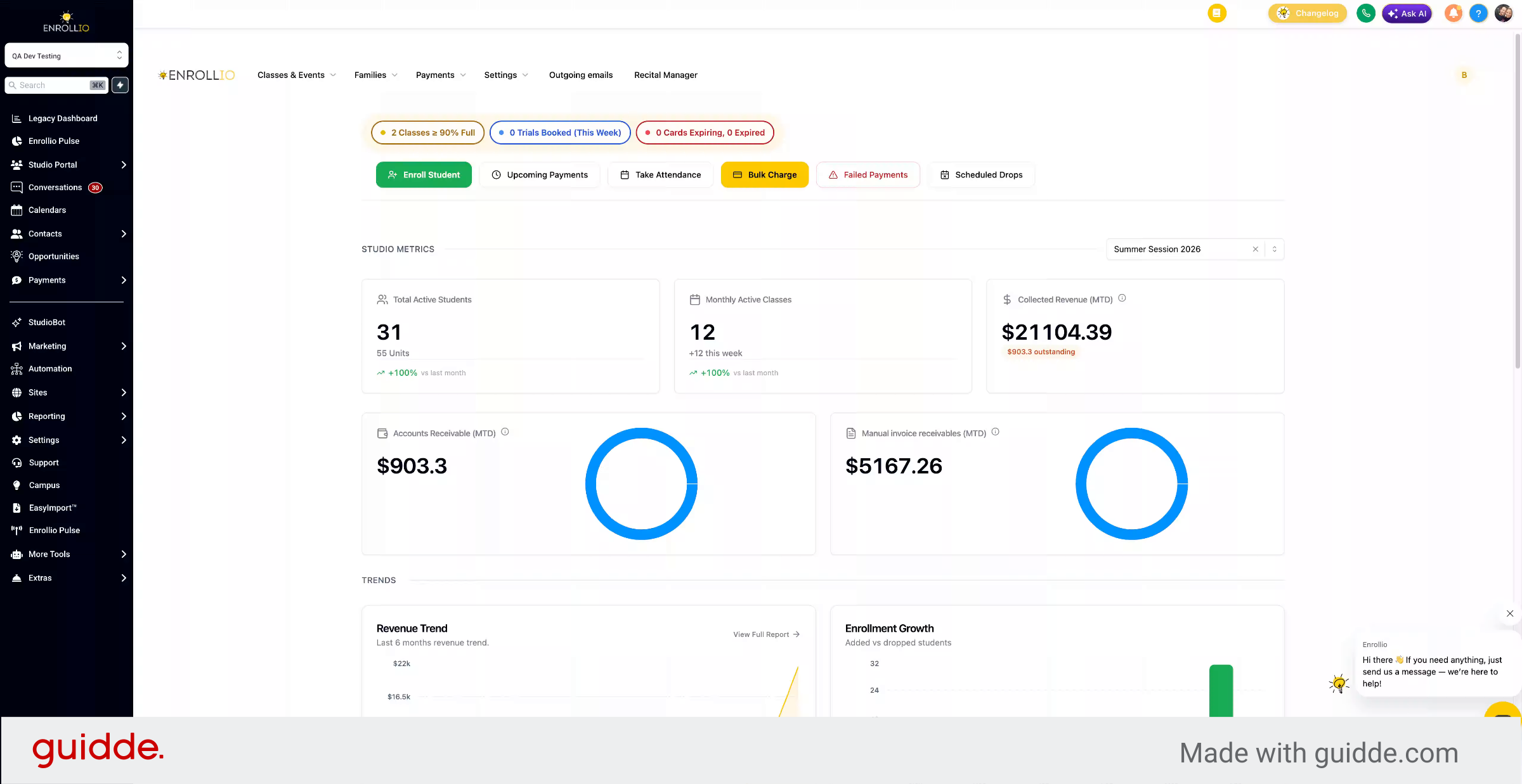
2. Navigate To Family Payment Section
If a family wants to update or remove a saved card, go to Families, then Parents, and select the appropriate Family.
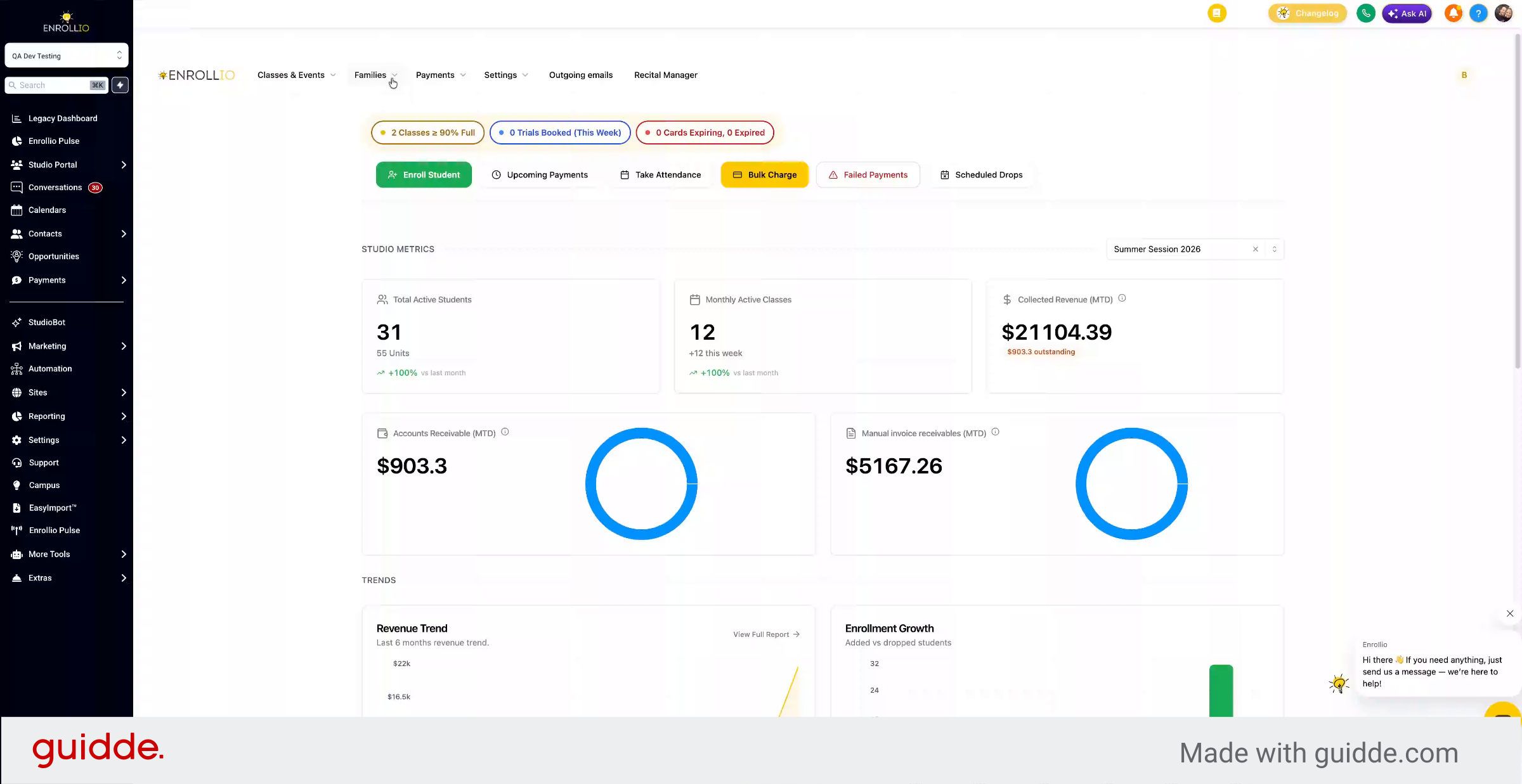
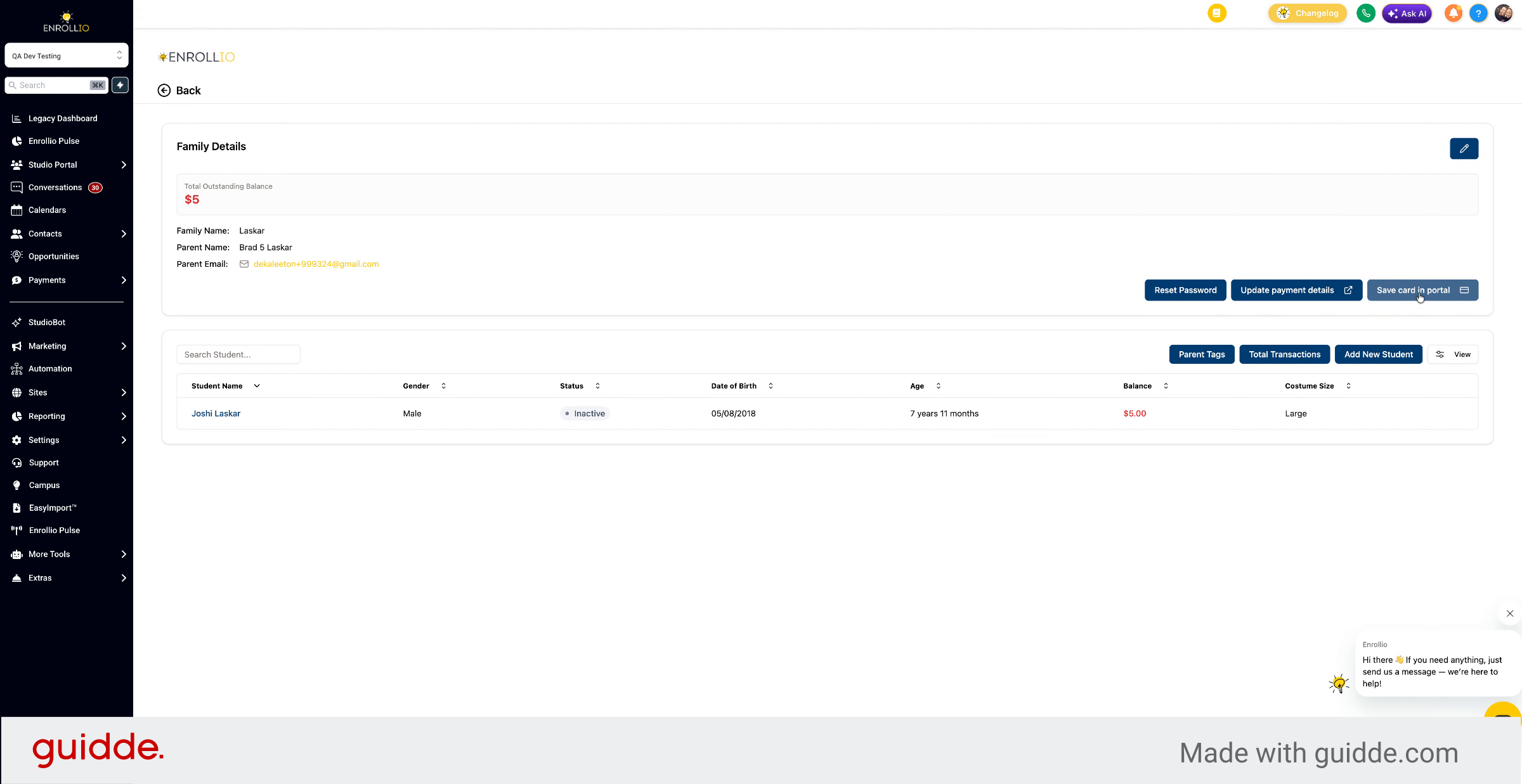
3. Access Card Update Options
You can save a card to update the card on file or go to Update Payment Details to make changes.
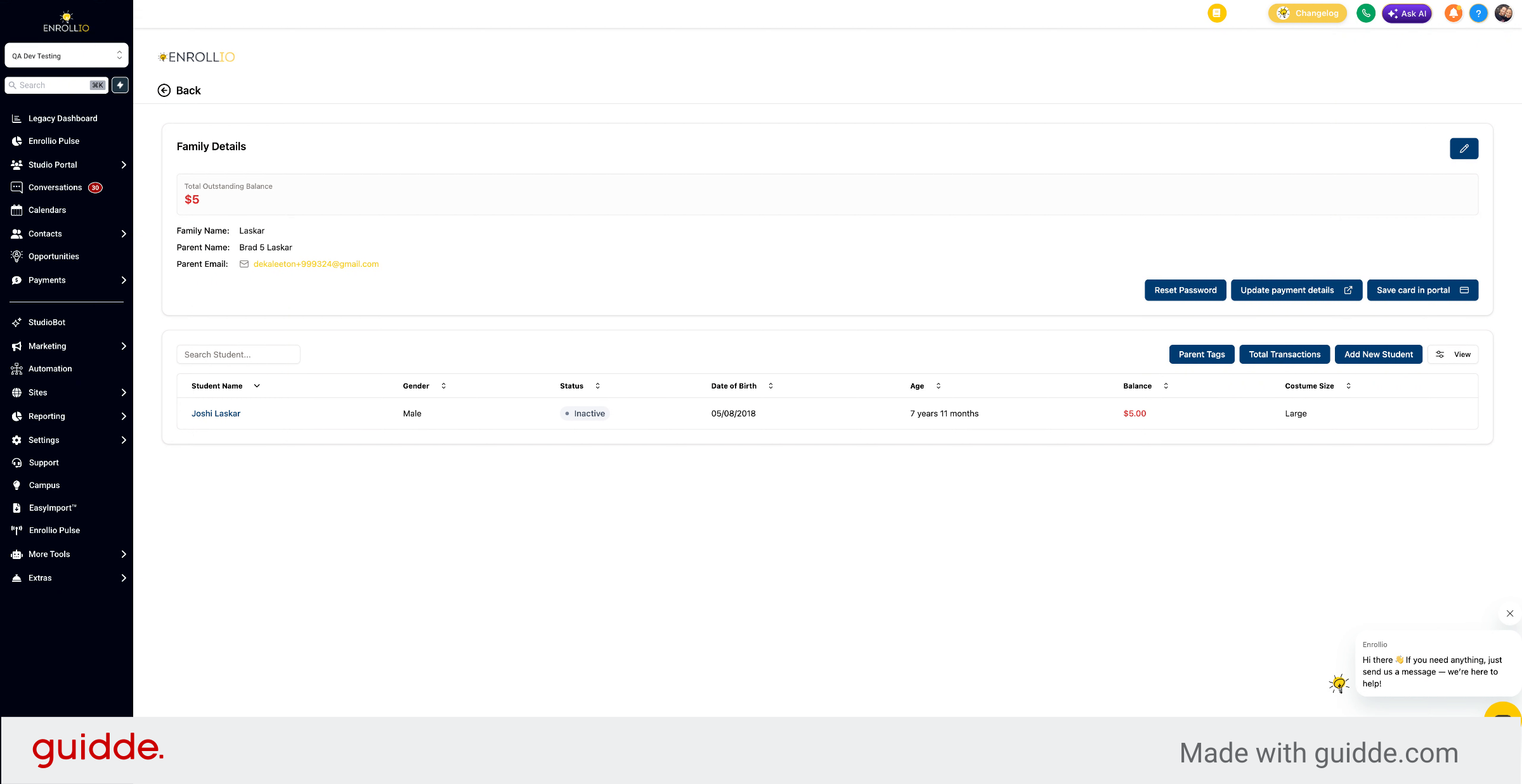
4. Modify Payment And Billing Details
Choose the payment method, change the default if multiple exist, update billing information, and modify card details as needed.
This article explains how to update or remove saved payment cards within the Studio Portal, covering navigation, payment method selection, and billing information updates.