
This article explains how to pay an outstanding balance using both the studio and parent portals in Enrollio.
1. Introduction
You'll learn how to add funds, save payment methods, and apply payments to balances.
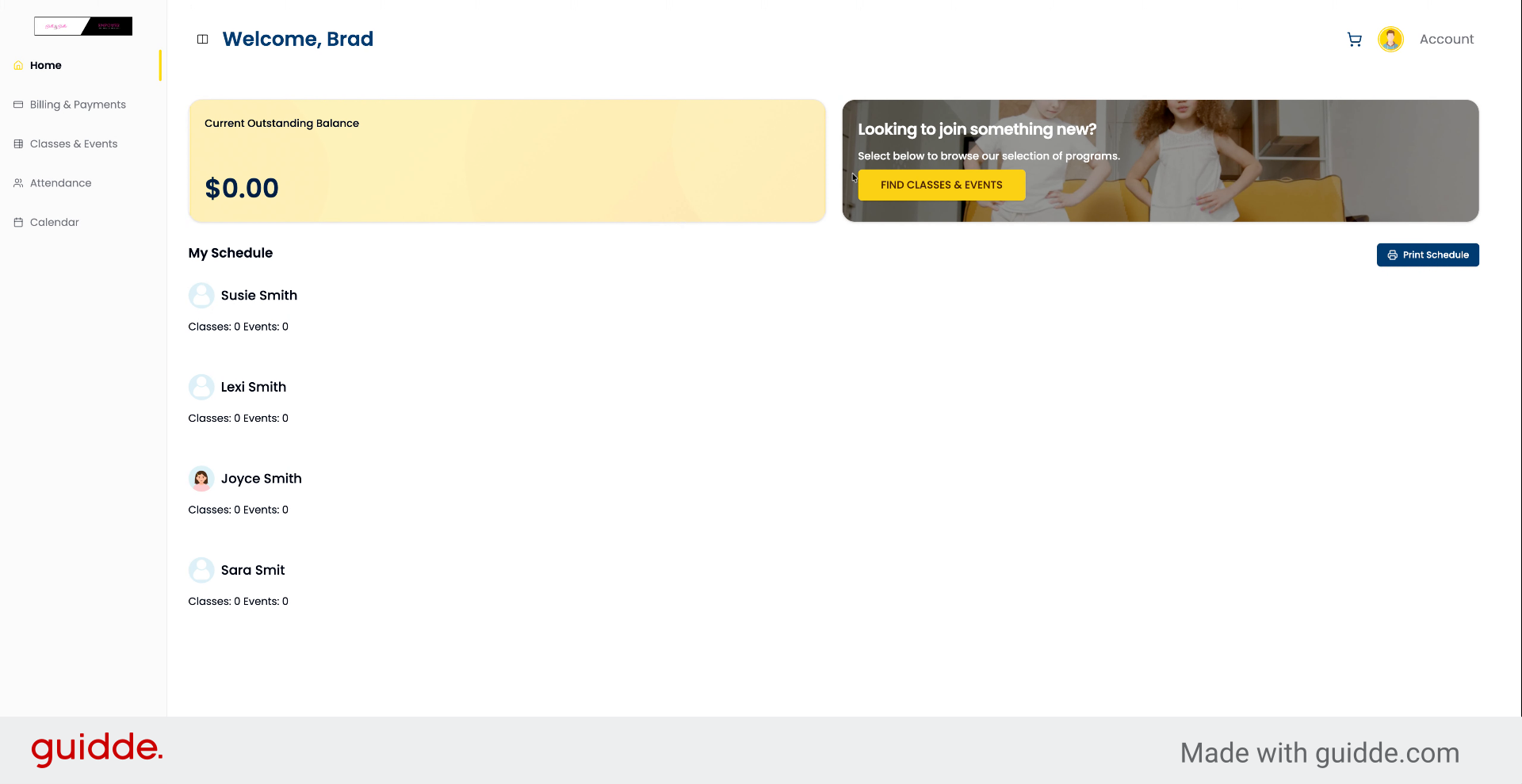
2. Access Account Settings
Go to your account in the top right.
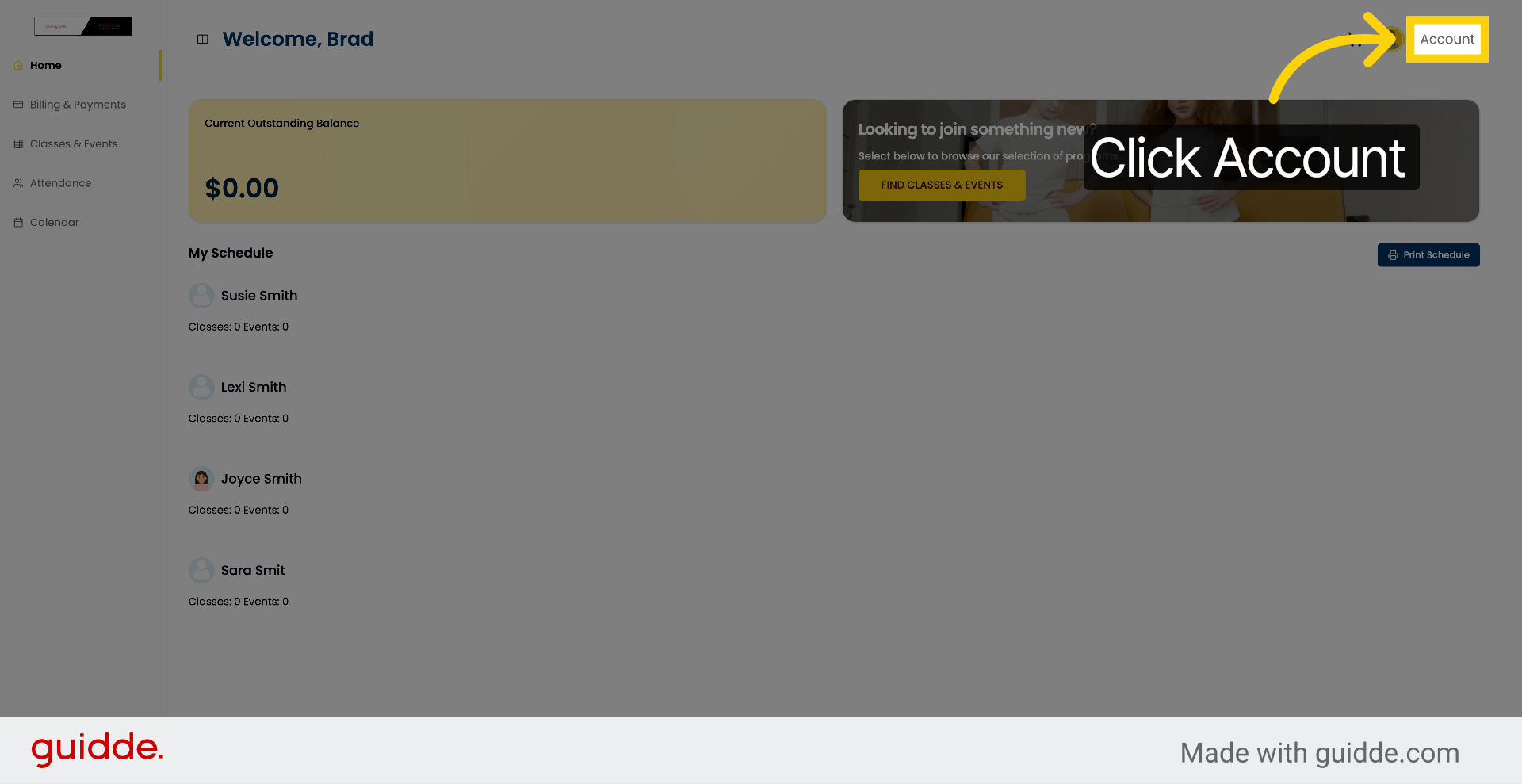
3. Open Billing Section
Select Billing.
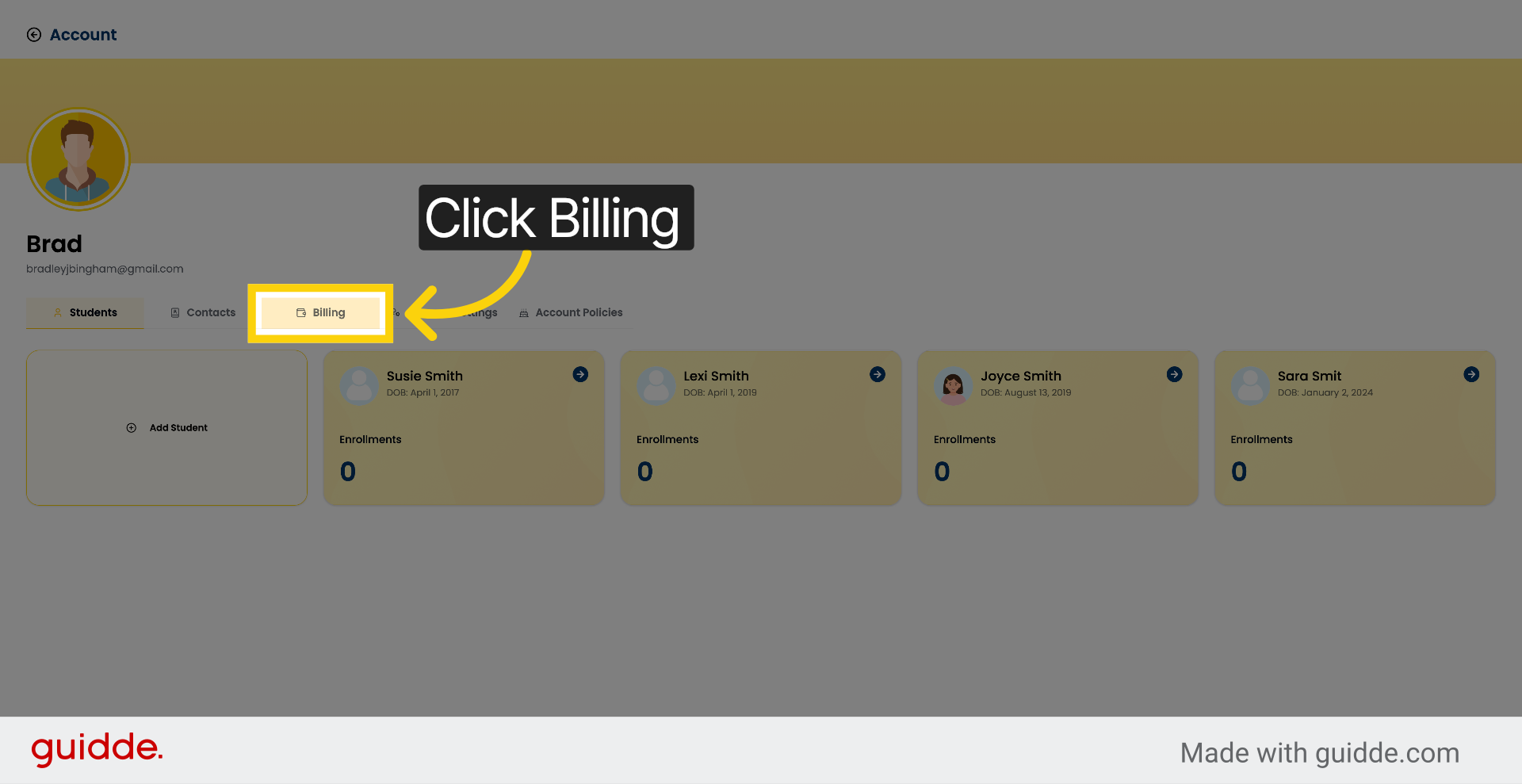
4. Add Funds to Account
Click Add Funds. Choose an amount, then select card or bank transfer as your payment method.
5. Switch to Studio Portal
Go to app.enrollio.ai.
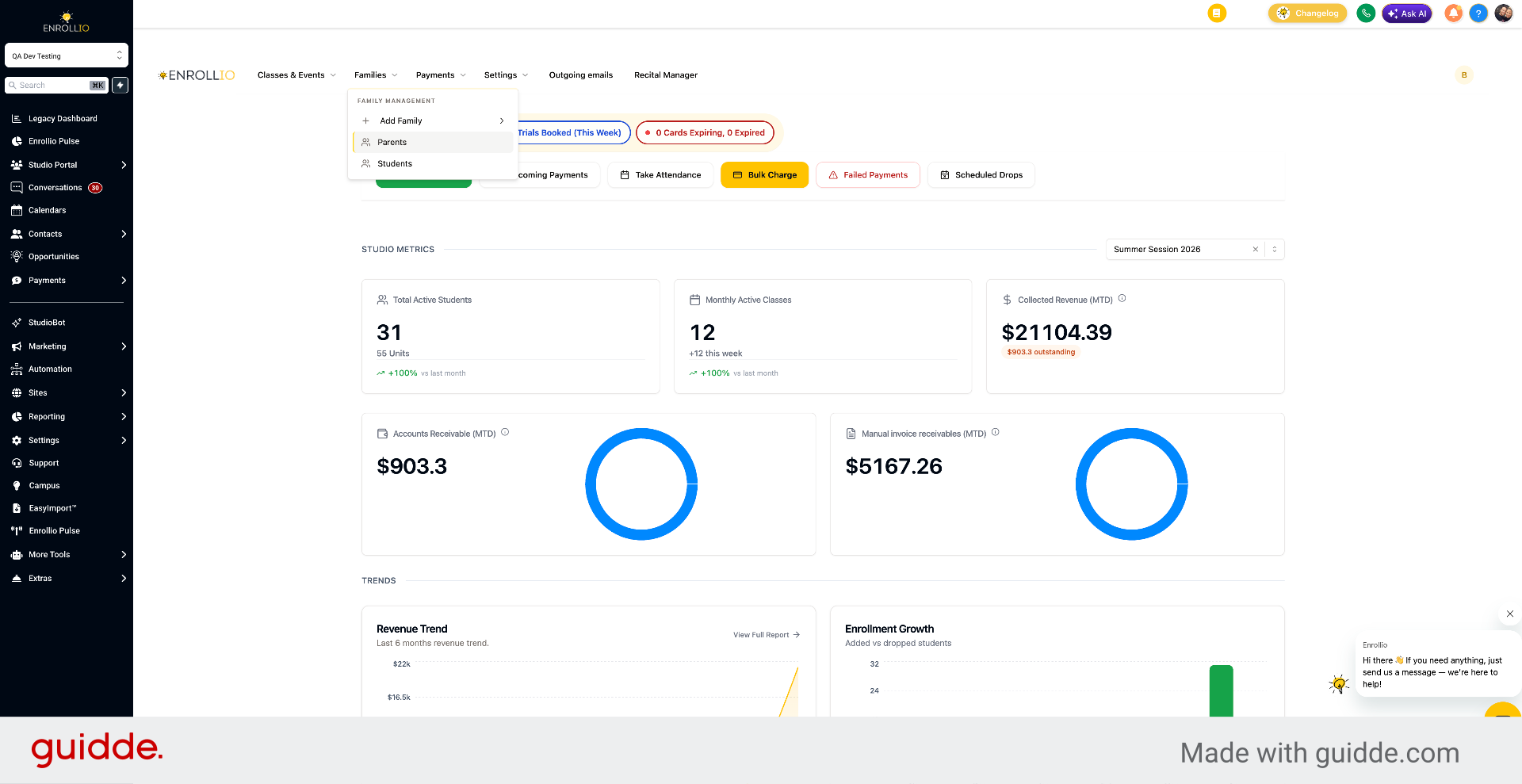
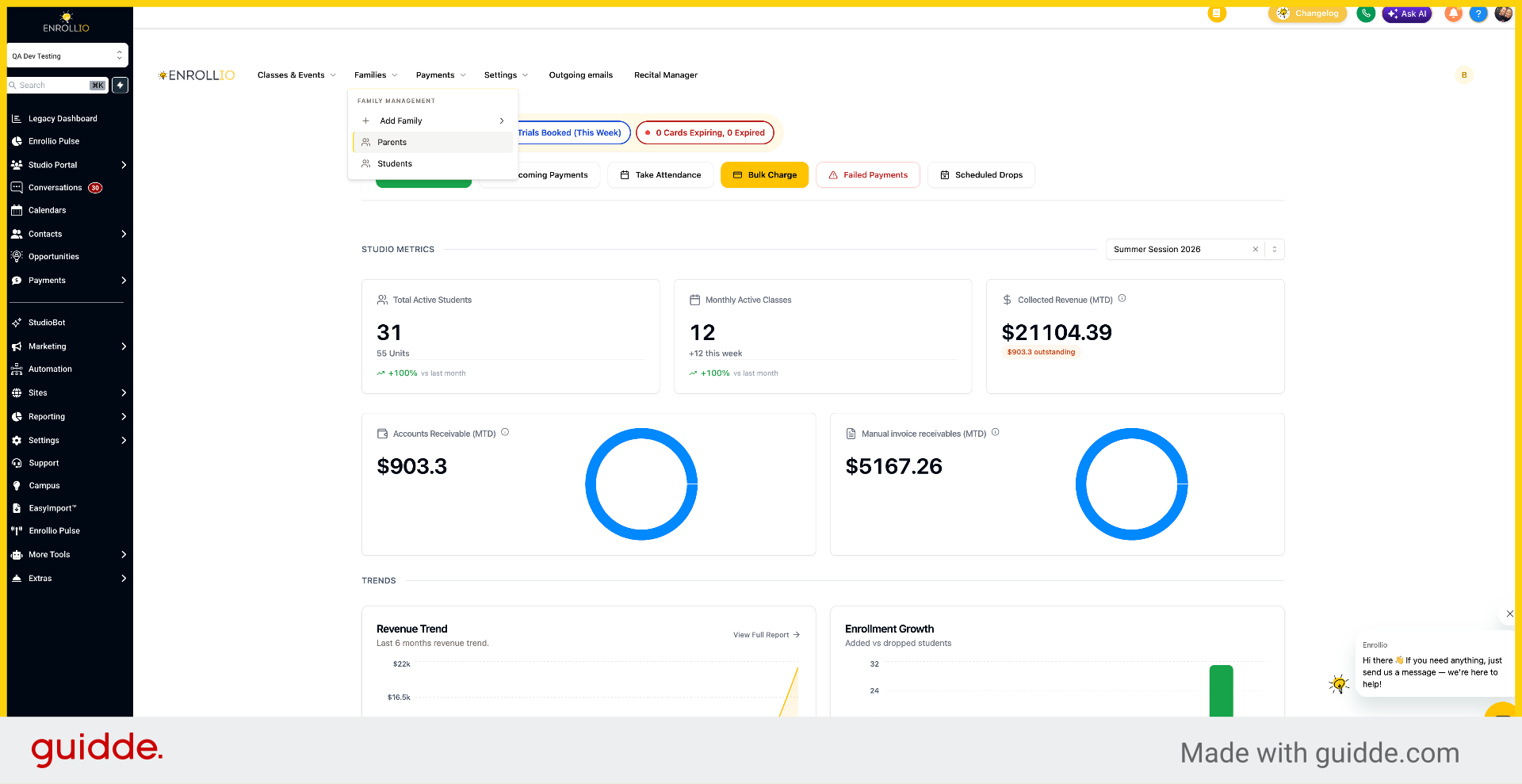
6. Access Parents Section
Click Parents.
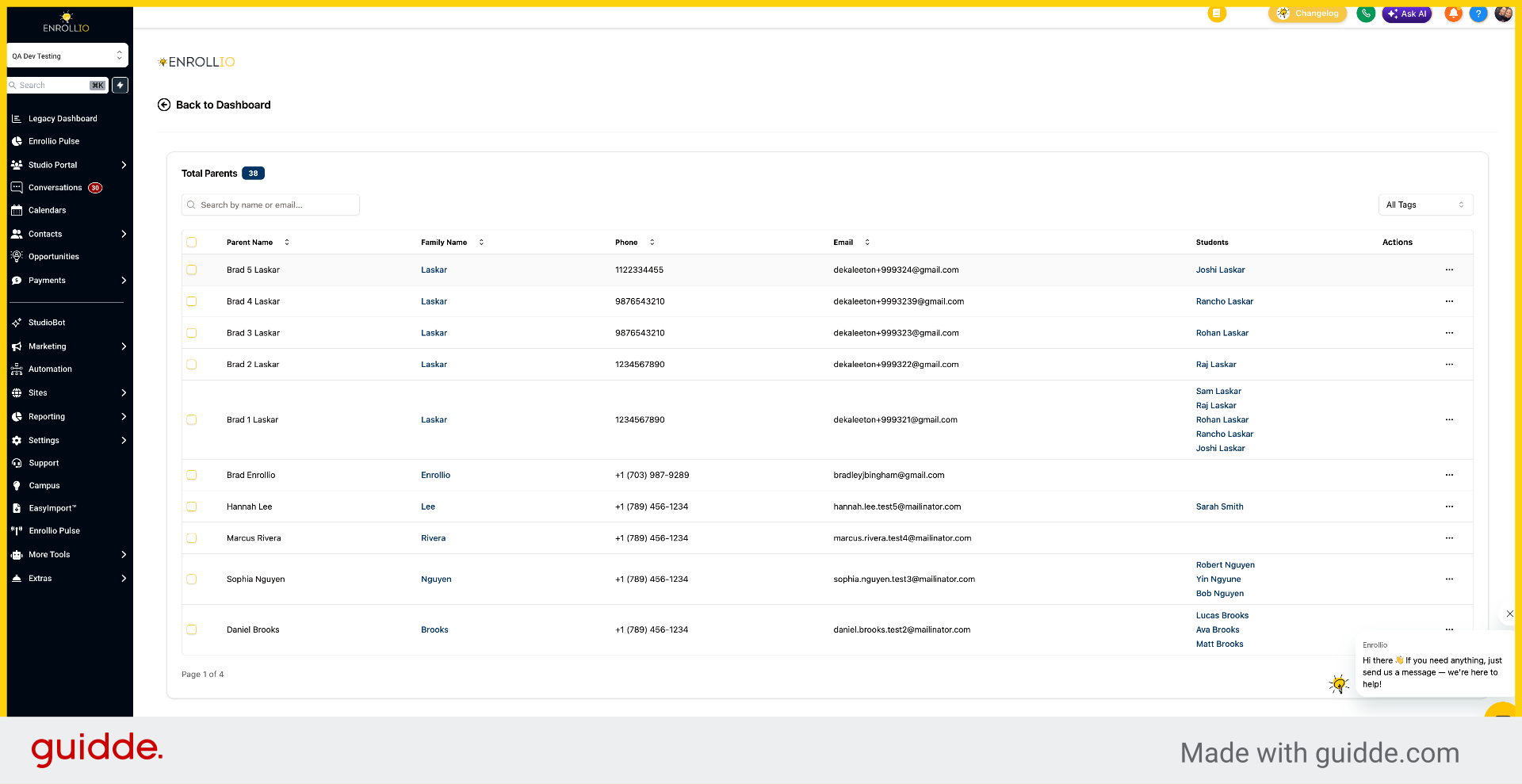
7. Select Parent Profile
Click the parent name.
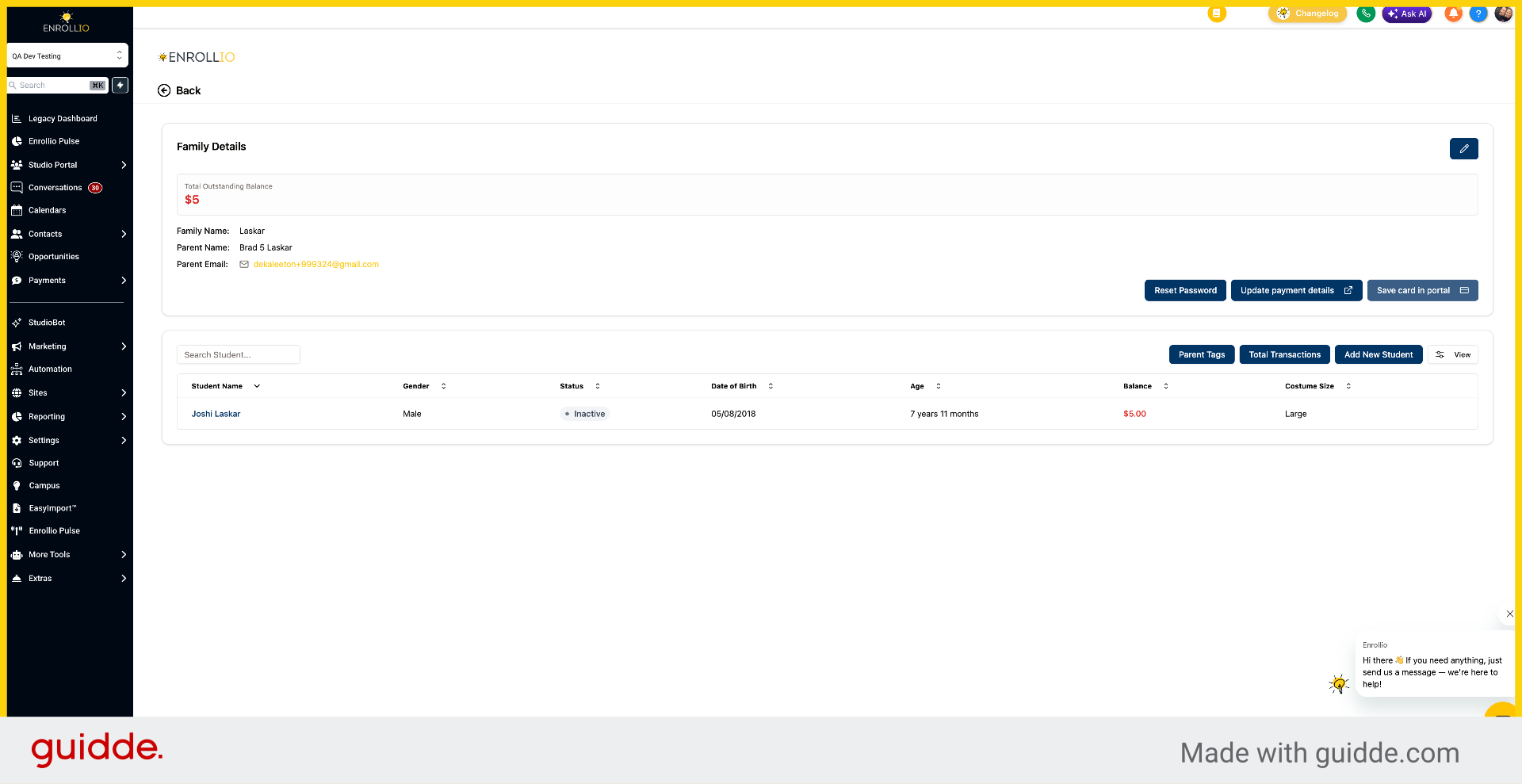
8. Save Payment Card
You can save a card in the portal.
9. Open Student Profile
Open the student profile to access their payments.
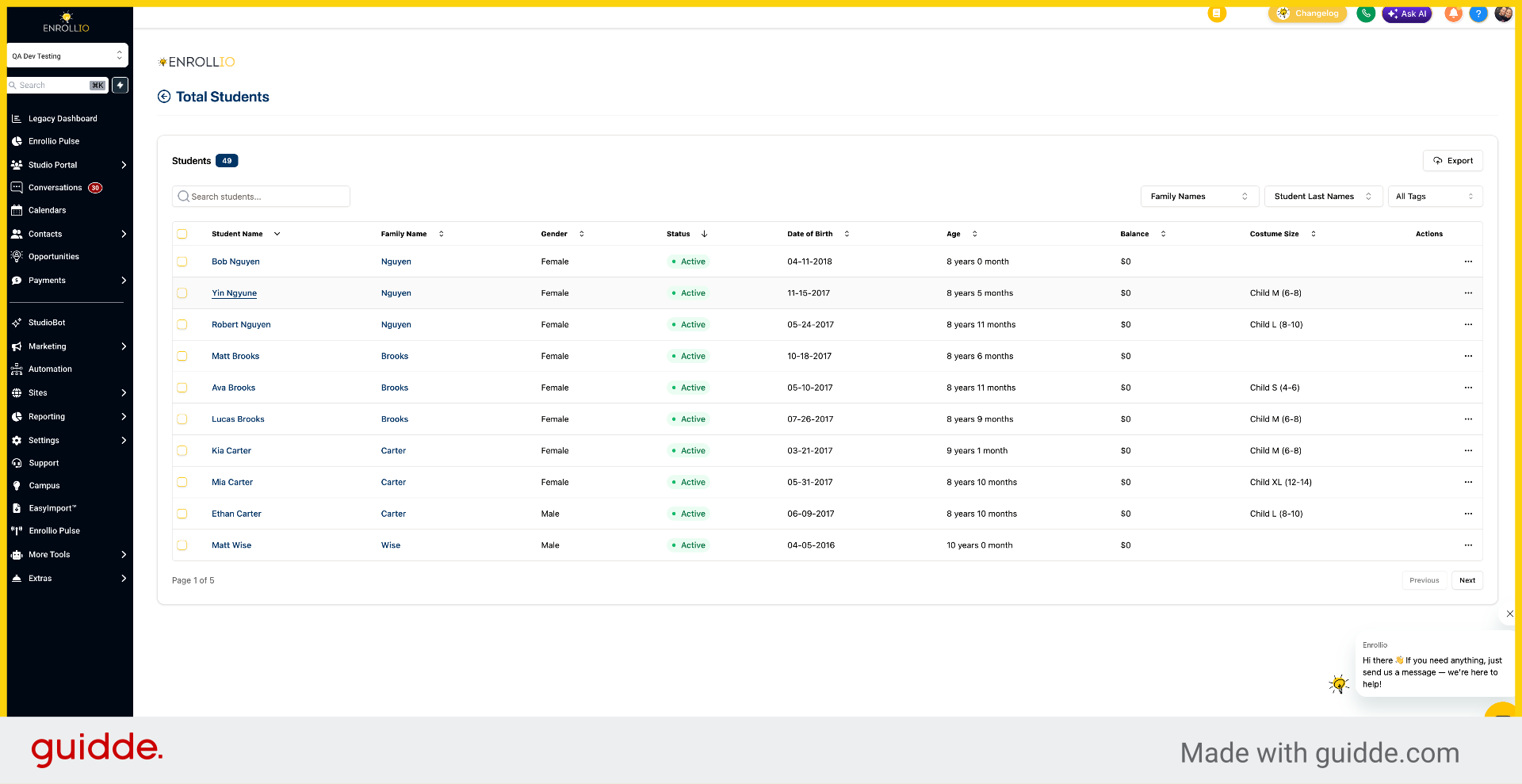
10. Open Payments Tab
Click Payments.
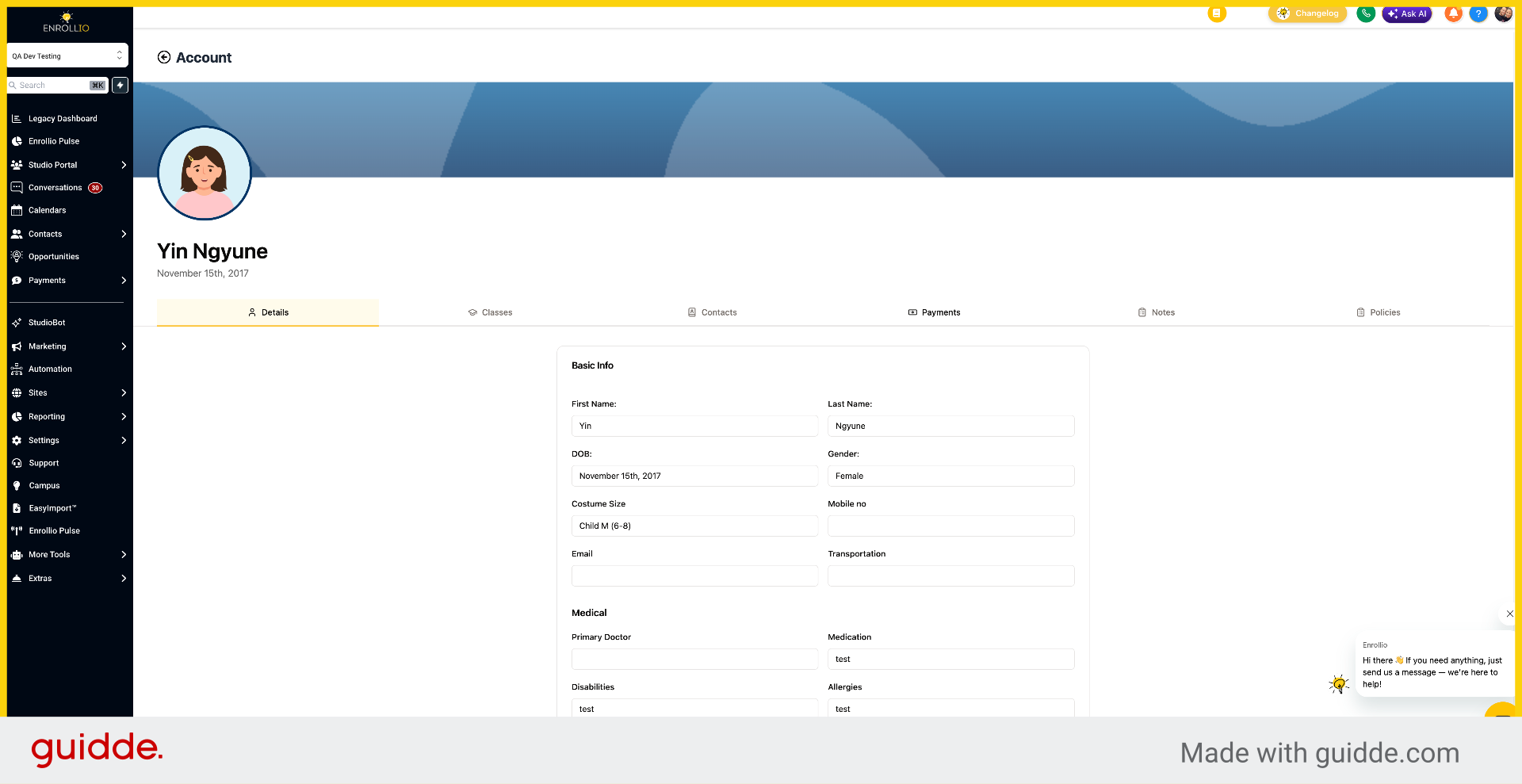
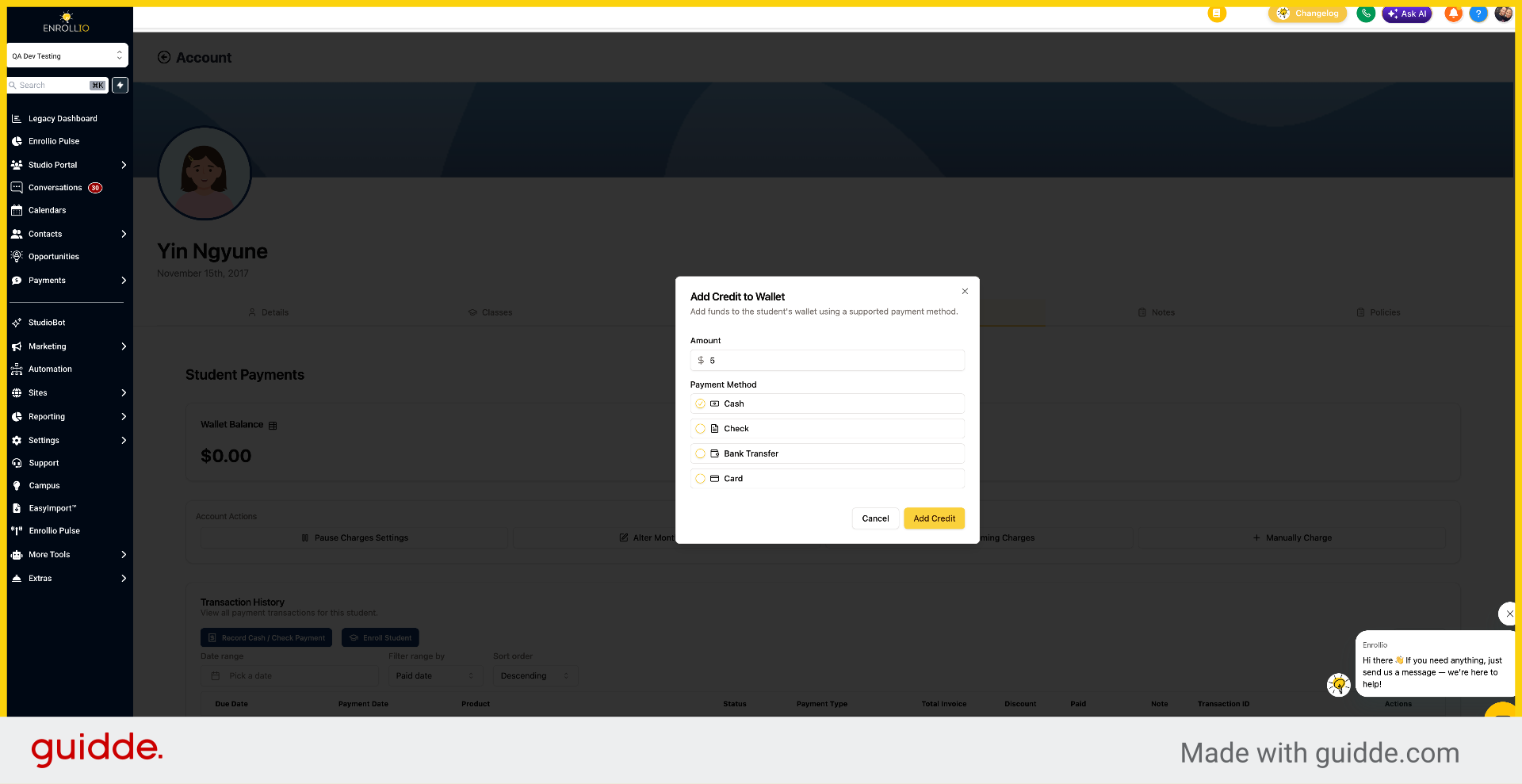
11. Initiate Add Credit
Click Add Credit.
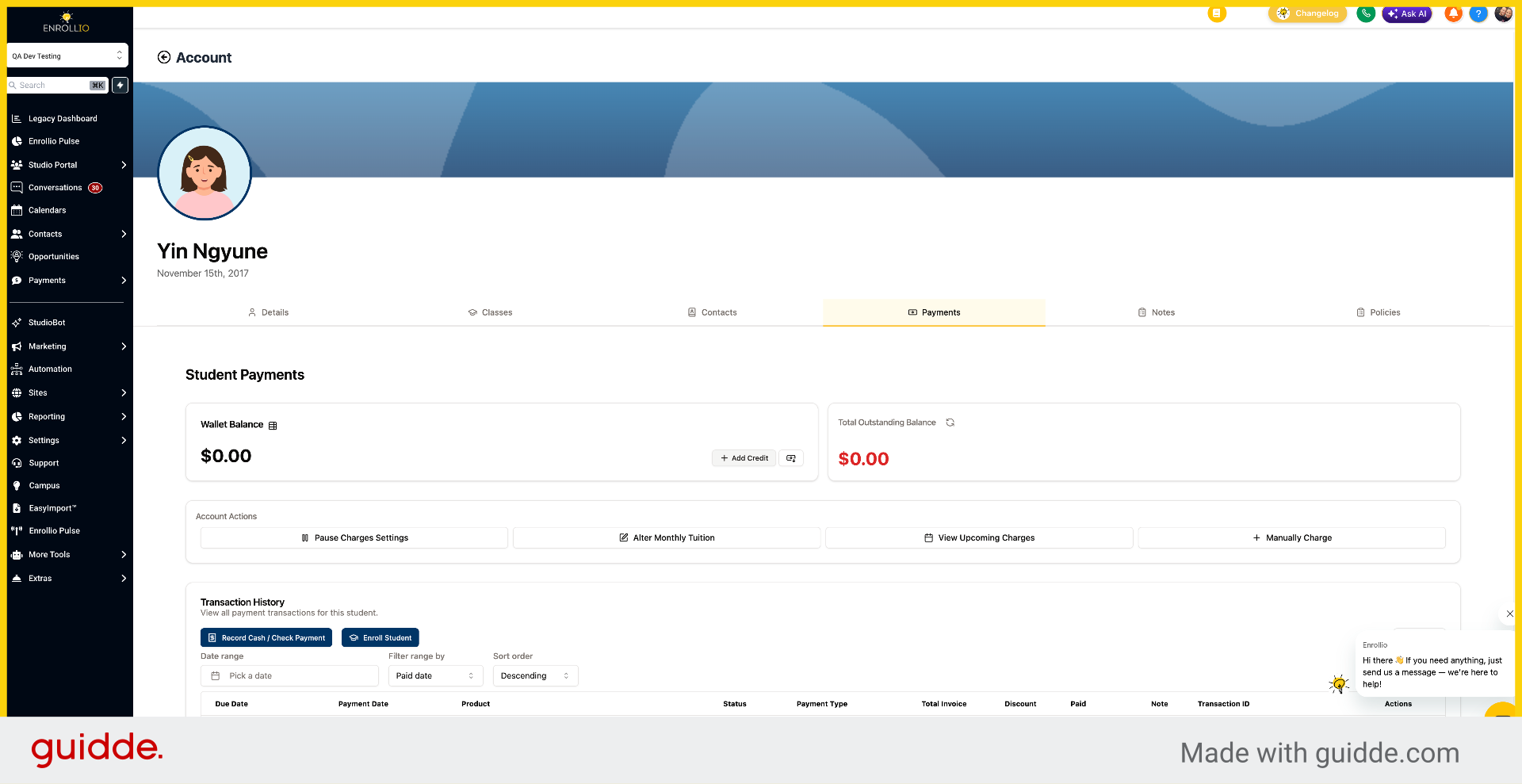
12. Enter Credit Amount
Enter the balance amount.
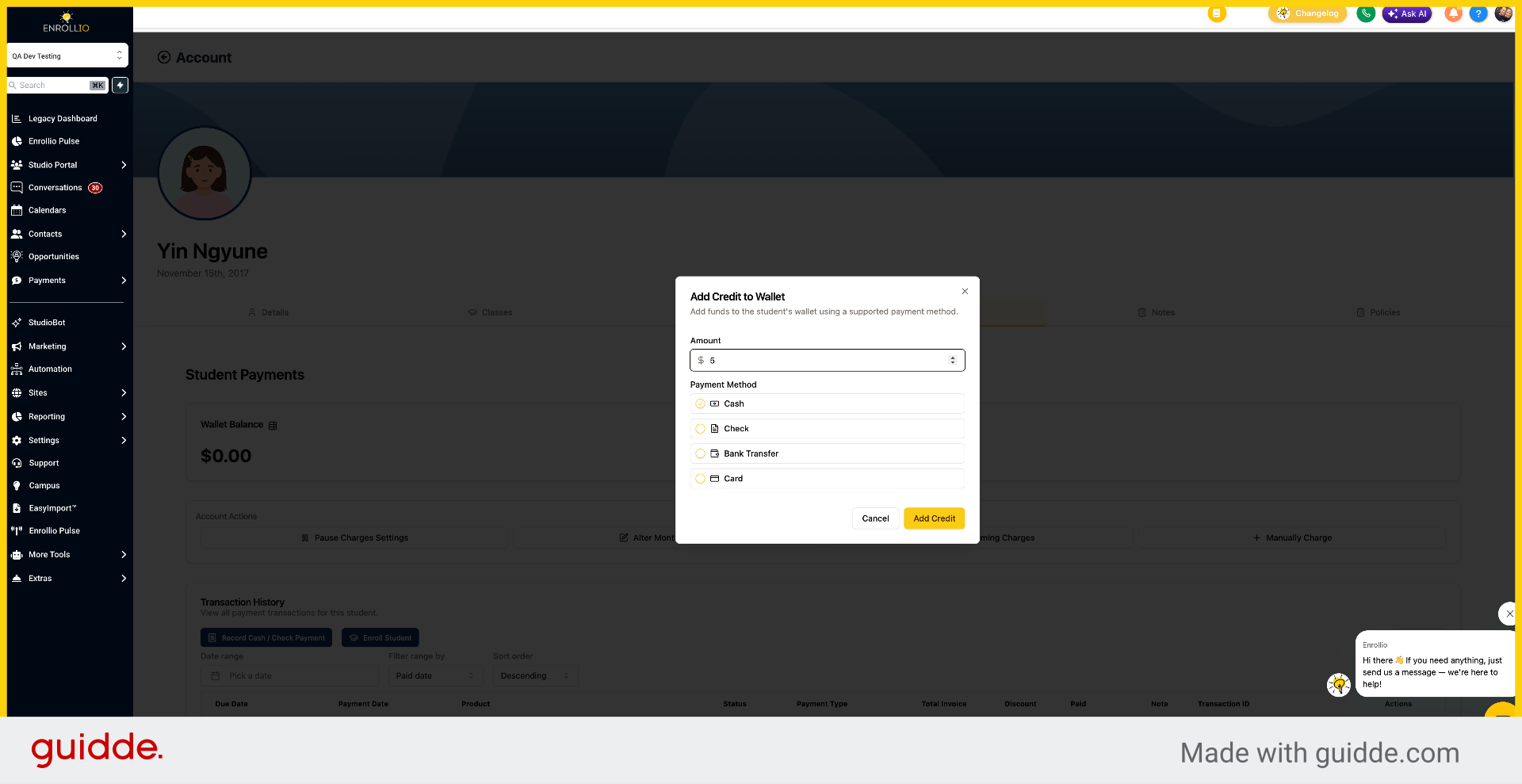
13. Confirm Add Credit
Click Add Credit.
This article demonstrated how to pay outstanding balances through both the parent and studio portals in Enrollio. You learned to add funds, save payment methods, and apply payments to outstanding balances.