
This article explains how to send the Parent Portal link to a family. You'll learn how to access, copy, and share the link so parents can create or sign in to their accounts.
1. Pause Before Tutorial Start
2. Introduce Parent Portal Link
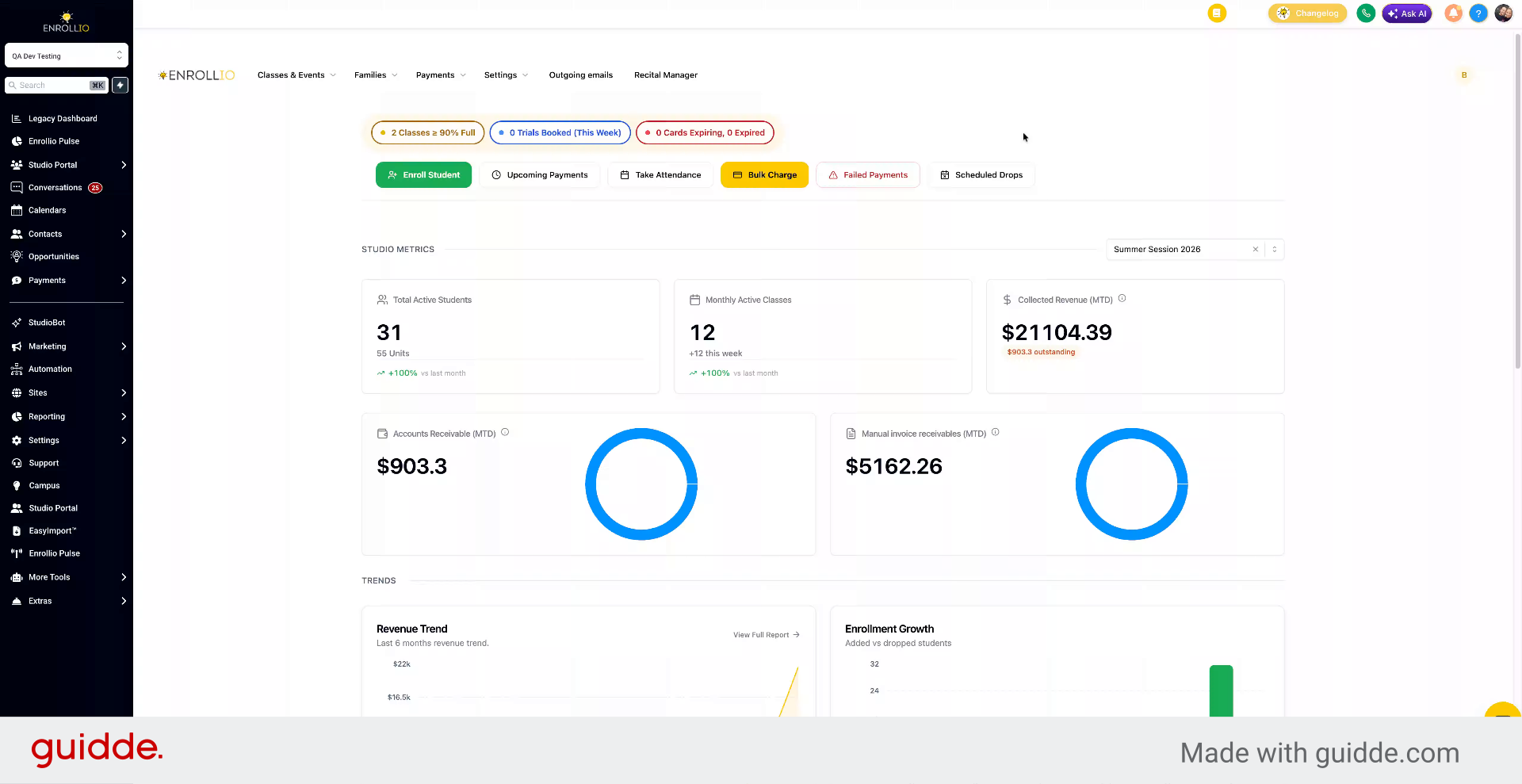
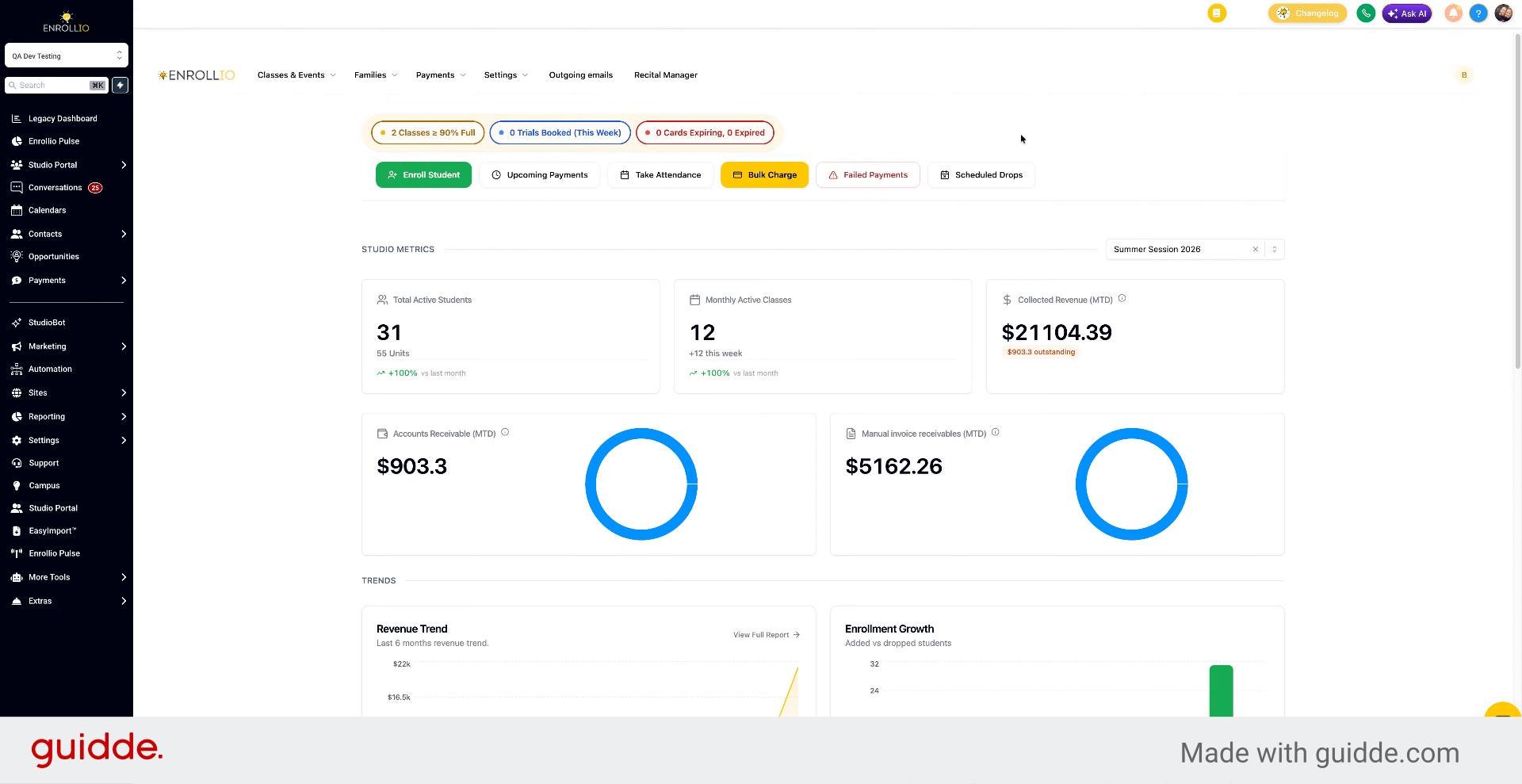
In this video, we're going to walk through how to send the Parent Portal link to a family.
3. Access And Copy Parent Portal Link
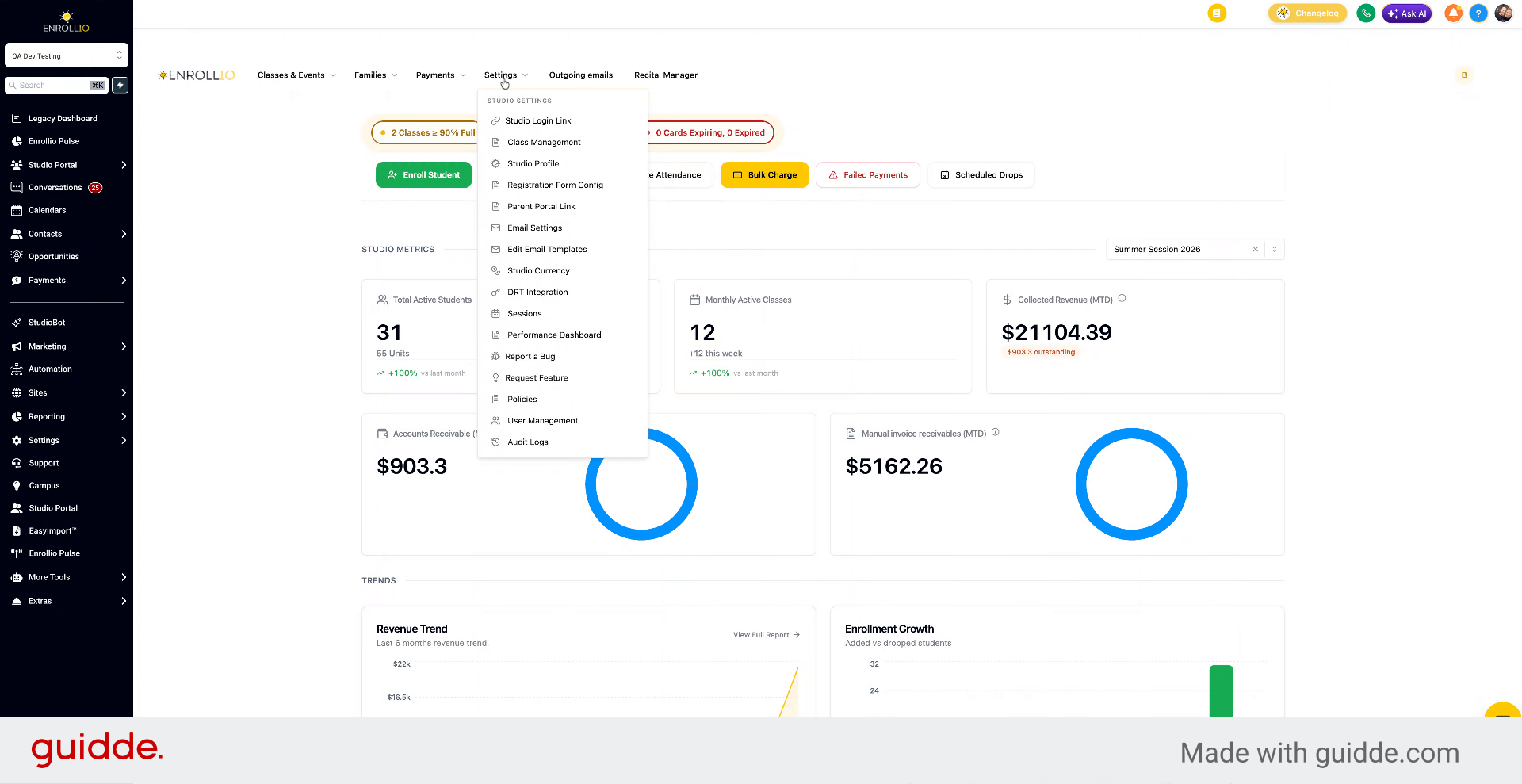
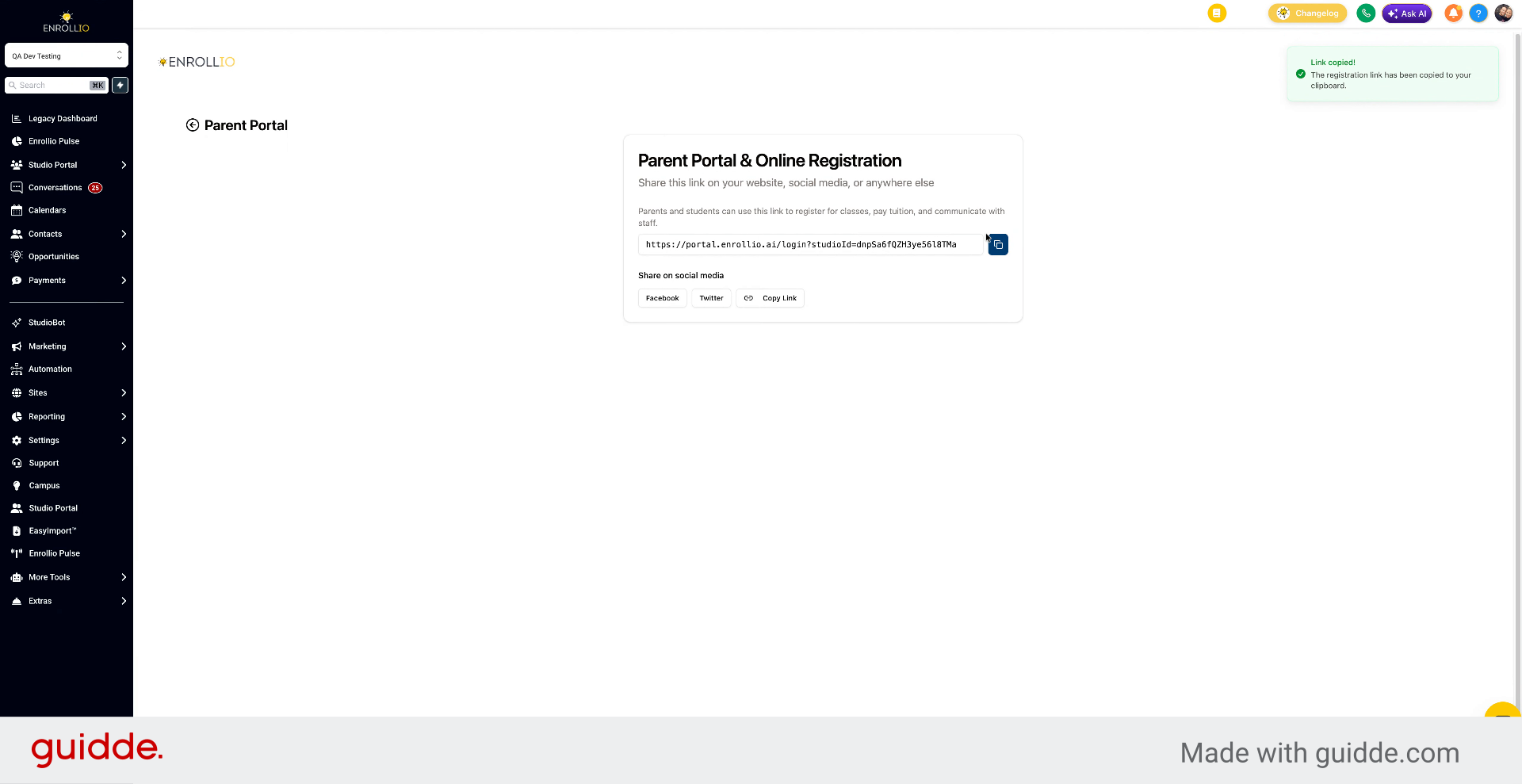
Go to Settings, then Parent Portal link, and copy it.
4. Copy Registration Link
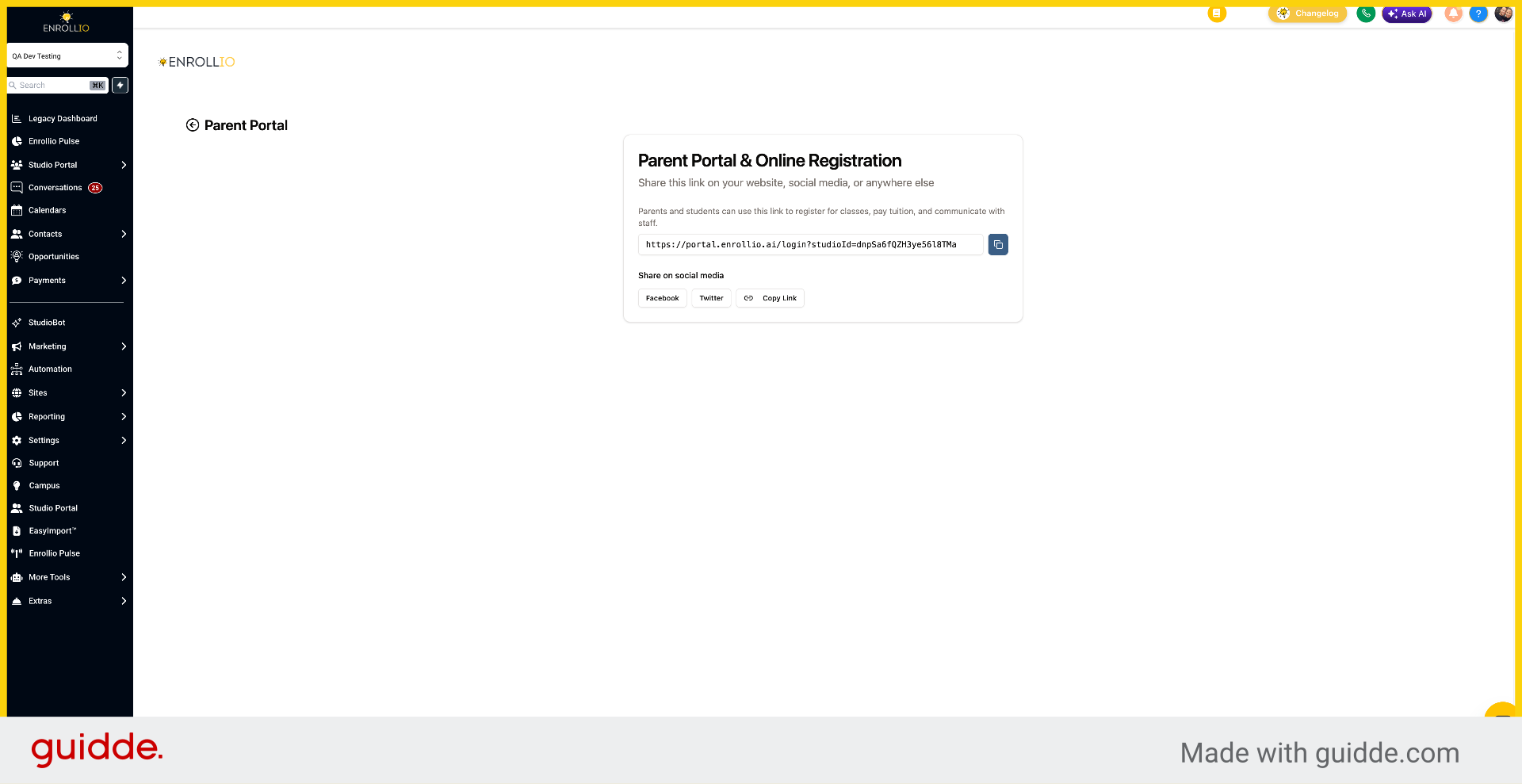
Click the Copy registration link button to copy the link to your clipboard for sharing.
5. Send Link For Account Creation
Send the link to the parent. When they paste it into their browser, if they don't have an account, they'll be able to create one.
6. Open New Browser Window
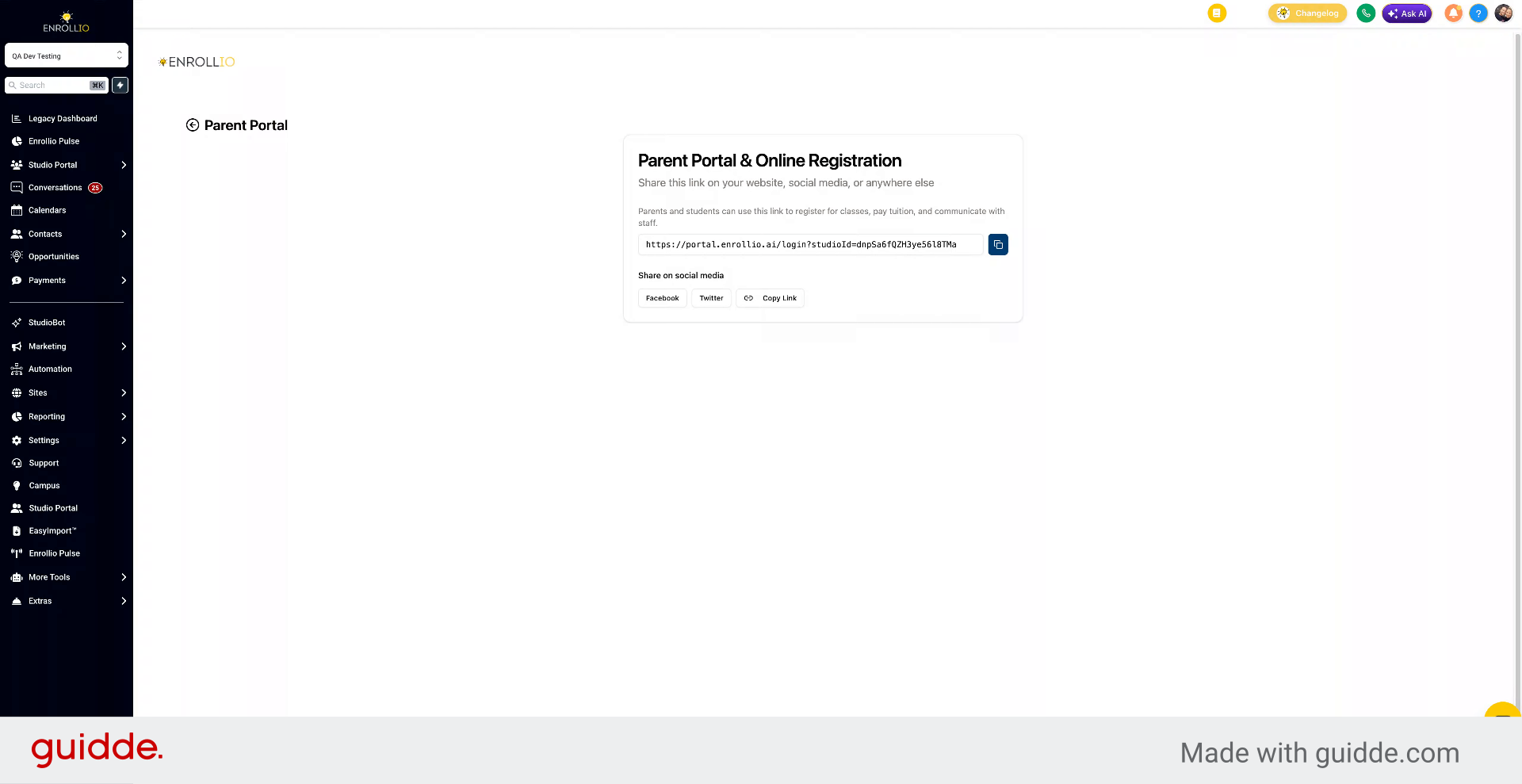
Open a new browser window to test the link.
7. Sign Up Or Sign In To Account
If you don't have an account, you can sign up. If you already have an account, you can sign in.
You've now learned how to send the Parent Portal link to families so they can create or sign in to their accounts.