
This article explains how to resolve common parent login issues in the portal. You'll learn how to recover passwords and get support if needed.
1. Identify Parent Login Issues
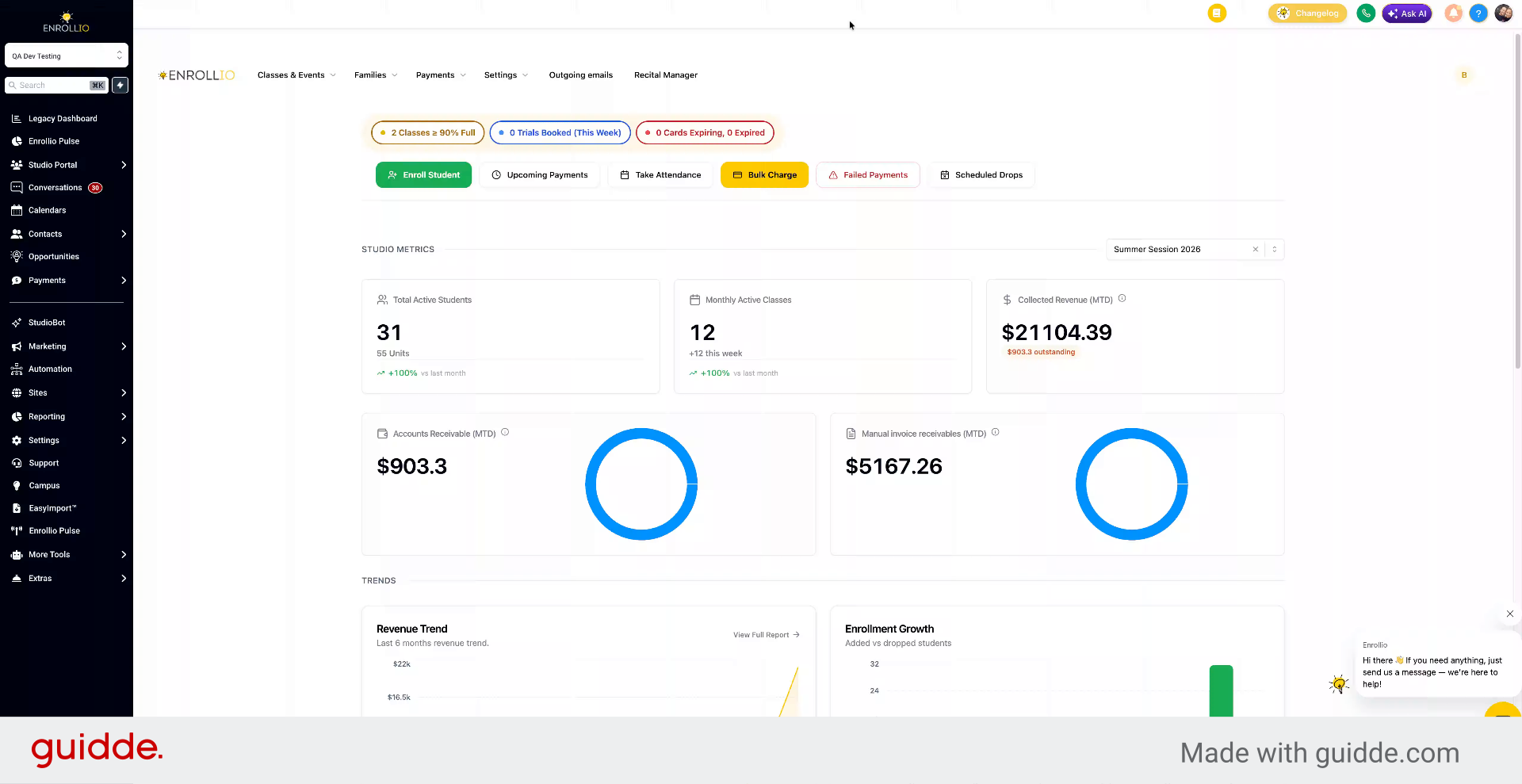
If a parent is unable to log into the portal:
2. Retrieve Parent Portal Link
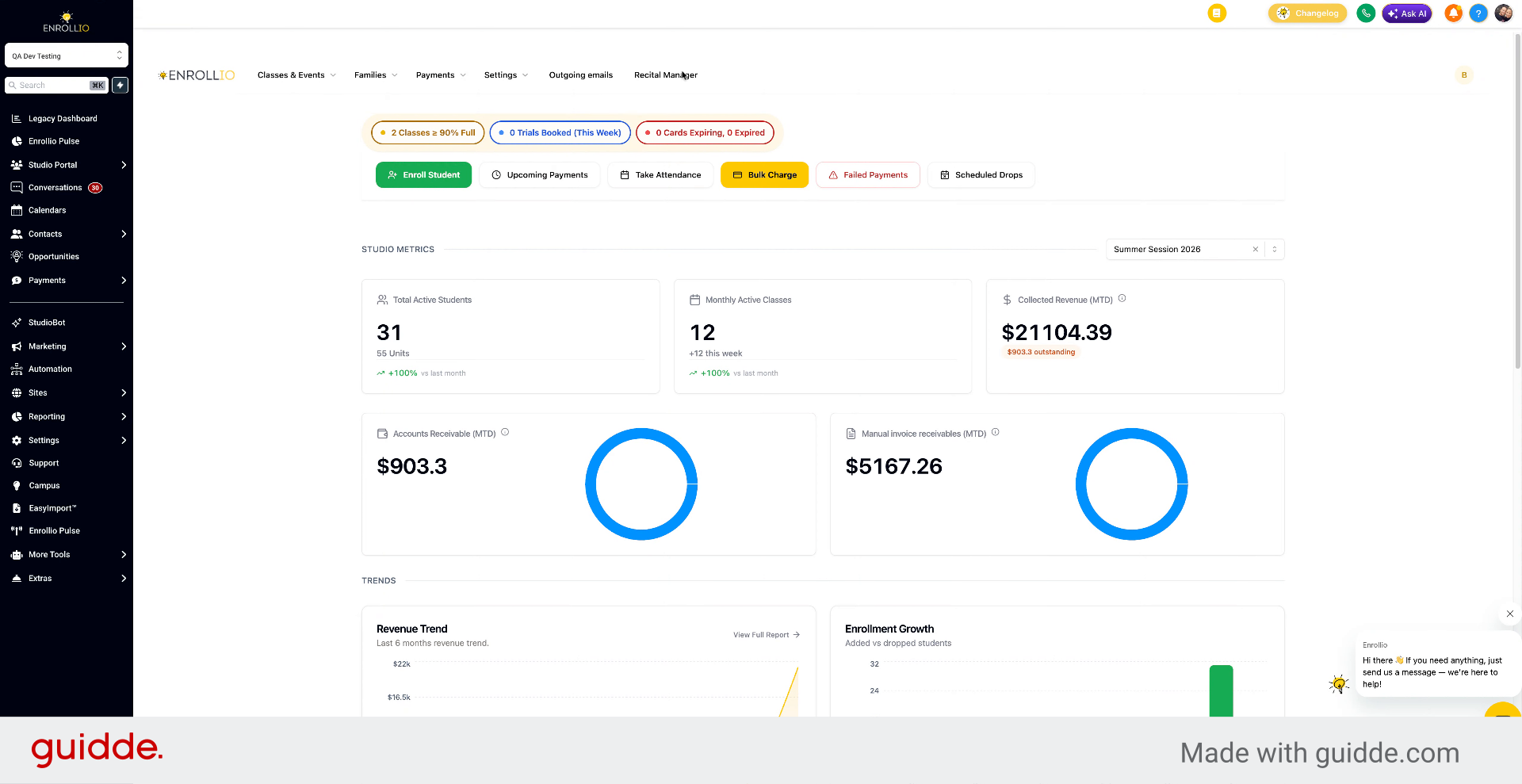
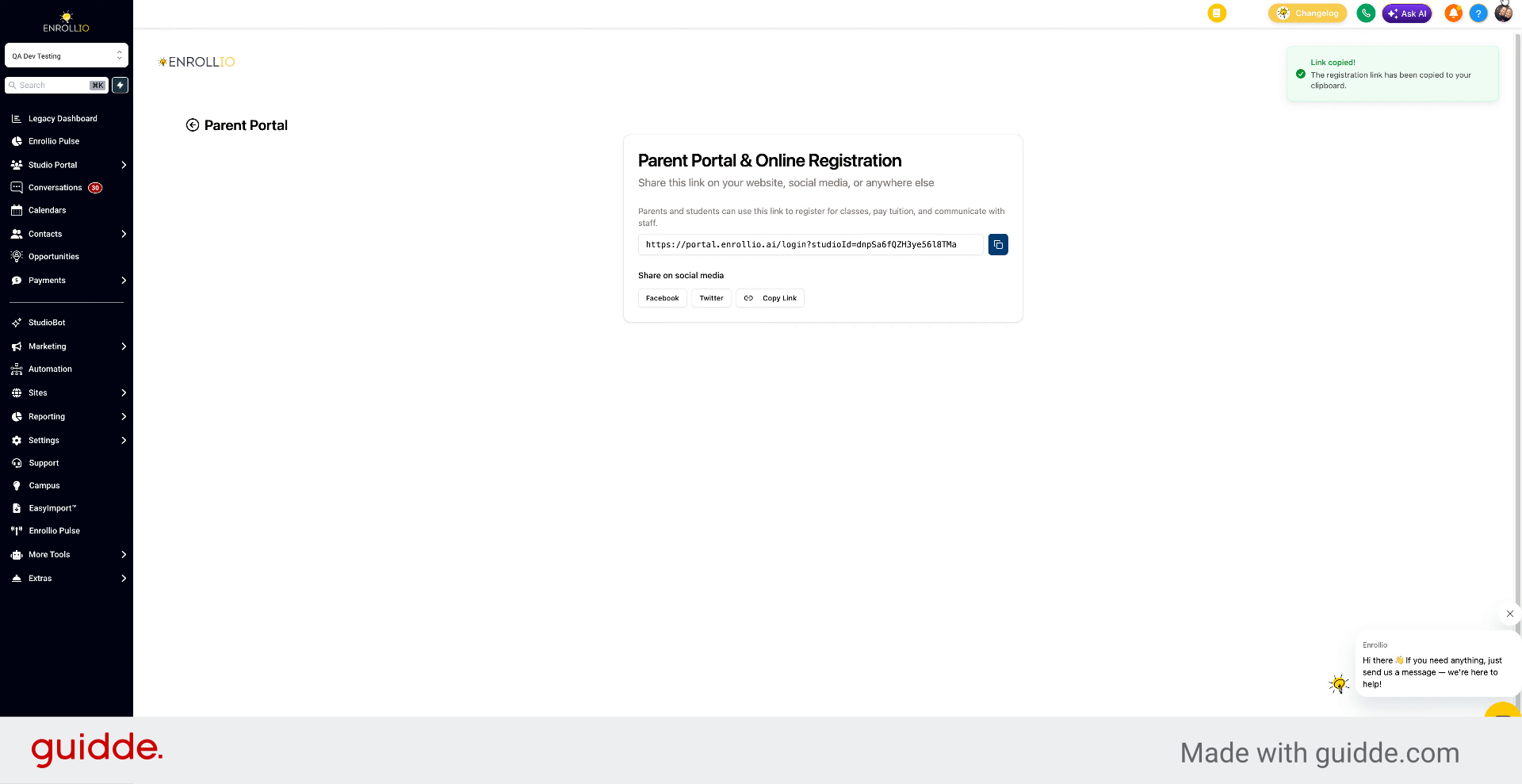
Go to Settings and select Parent Portal Link to get the link to send to the parent.
3. Use Forgot Password Option
The parent logs into the Parent Portal. If they don't know their password, they can click Forgot Password. This will send them a new password to log in with.
4. Access Password Reset Section
You can also reset the password from your end.
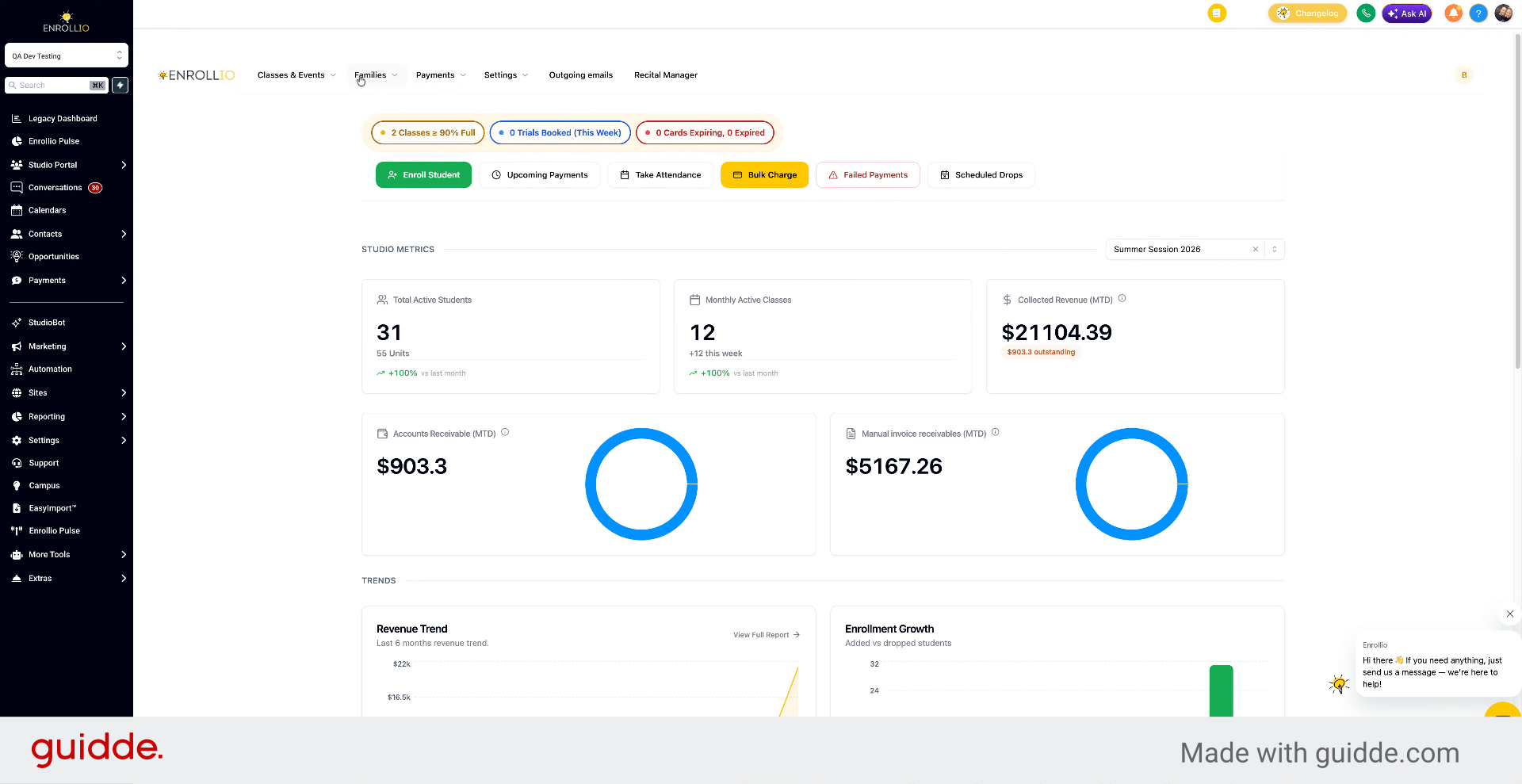
5. Reset Password via Families Section
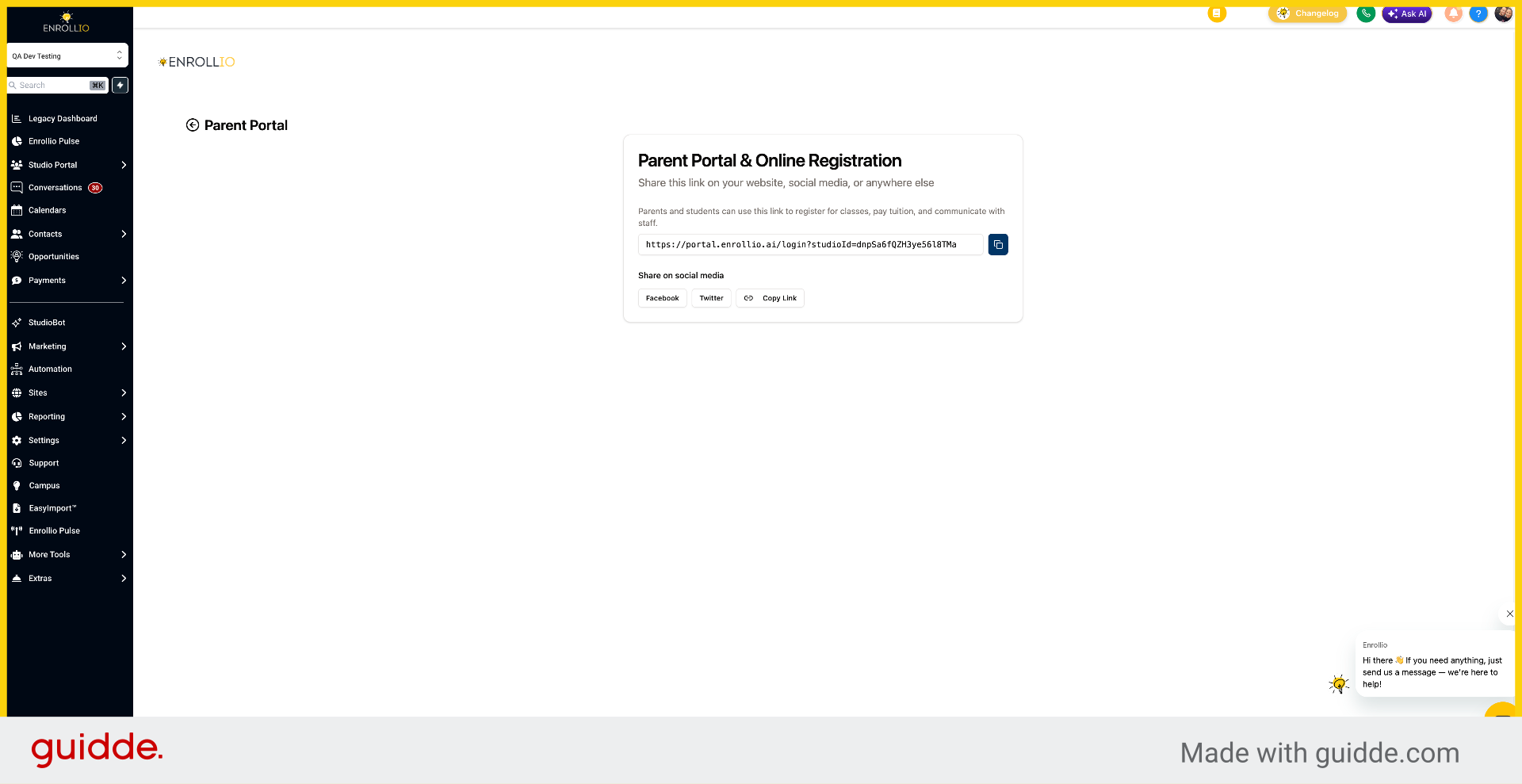
Go to Families, select Parents, find the parent, and choose Reset Password.
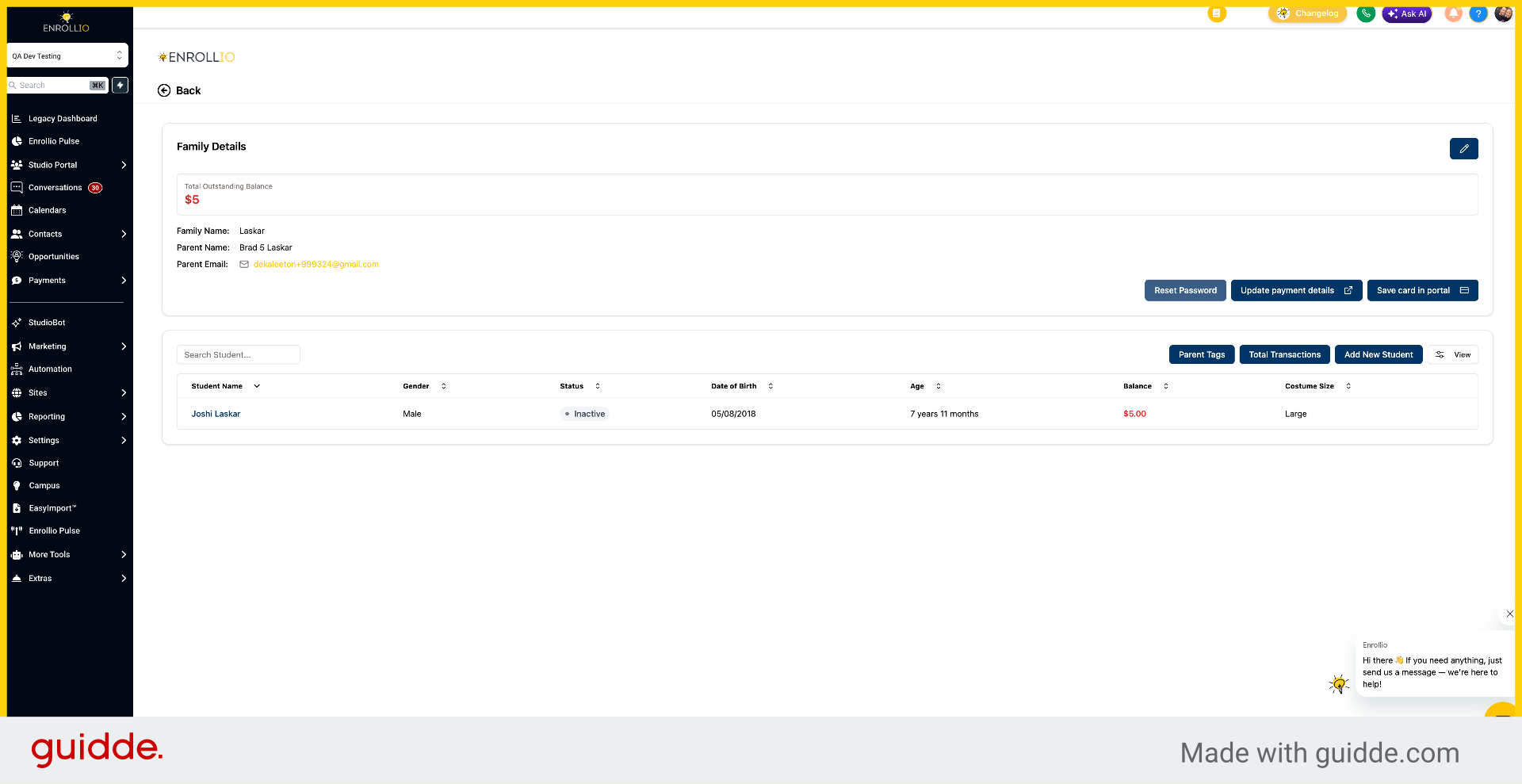
6. Confirm Password Reset
Click "Reset Password" to proceed.
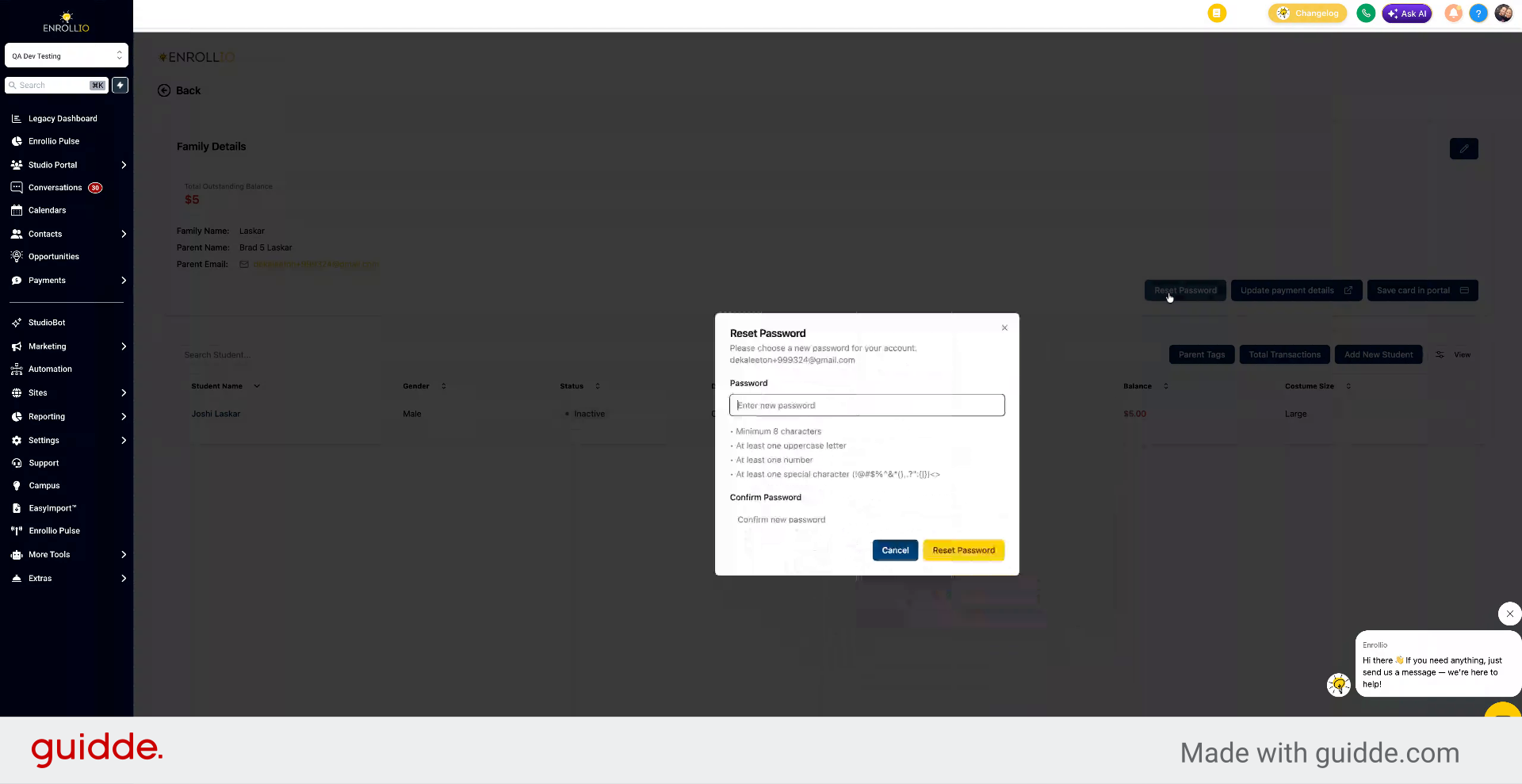
7. Create New Password for Parent
Create a new password for the parent and send it to them. They can then log in with the new password.
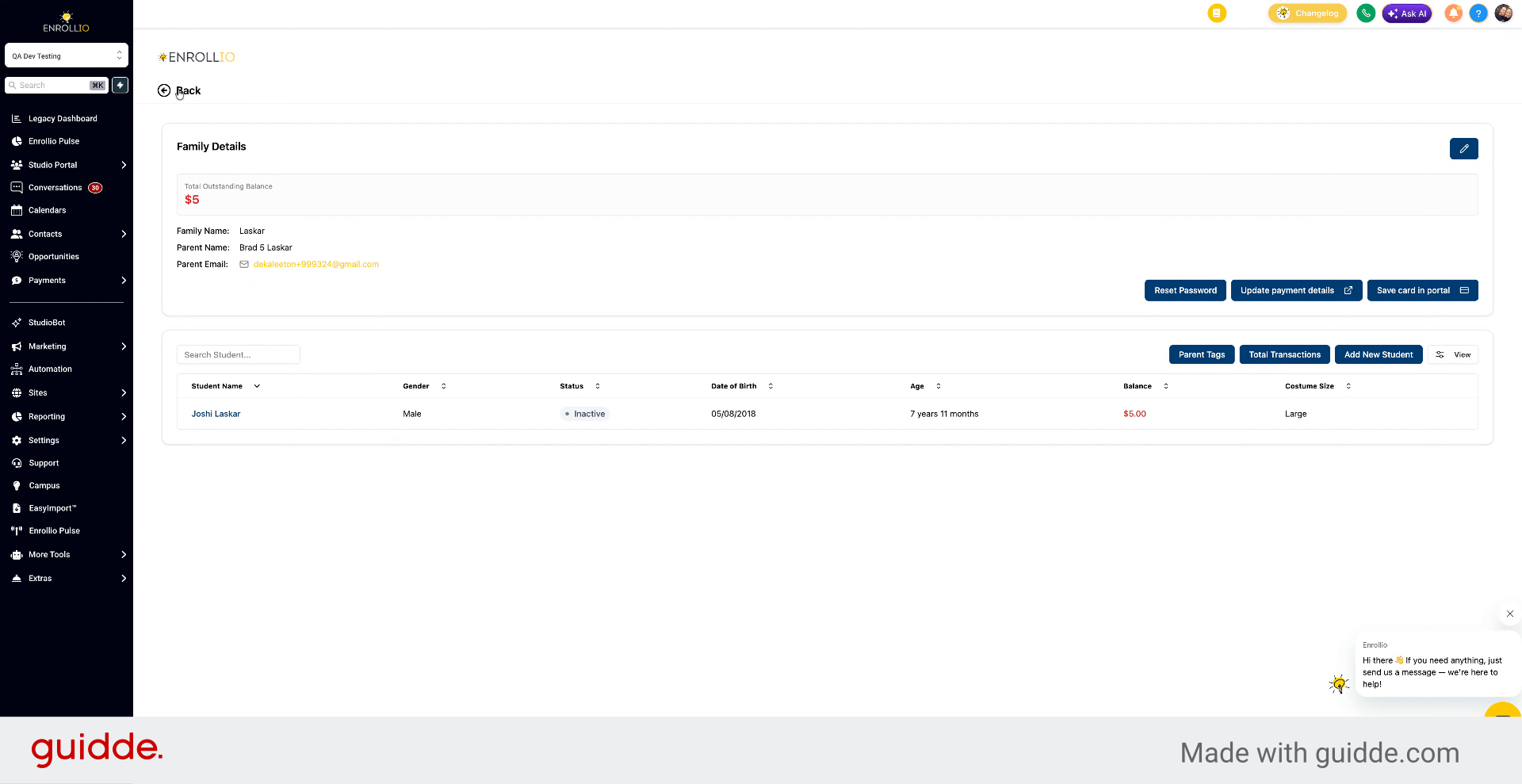
8. Contact Support for Assistance
If the parent is still having issues, reach out to the support team using the live chat in the bottom right. Let them know about the issue and they'll investigate.
This article guides you through resolving parent login issues by retrieving the portal link, resetting passwords, and contacting support for further assistance.